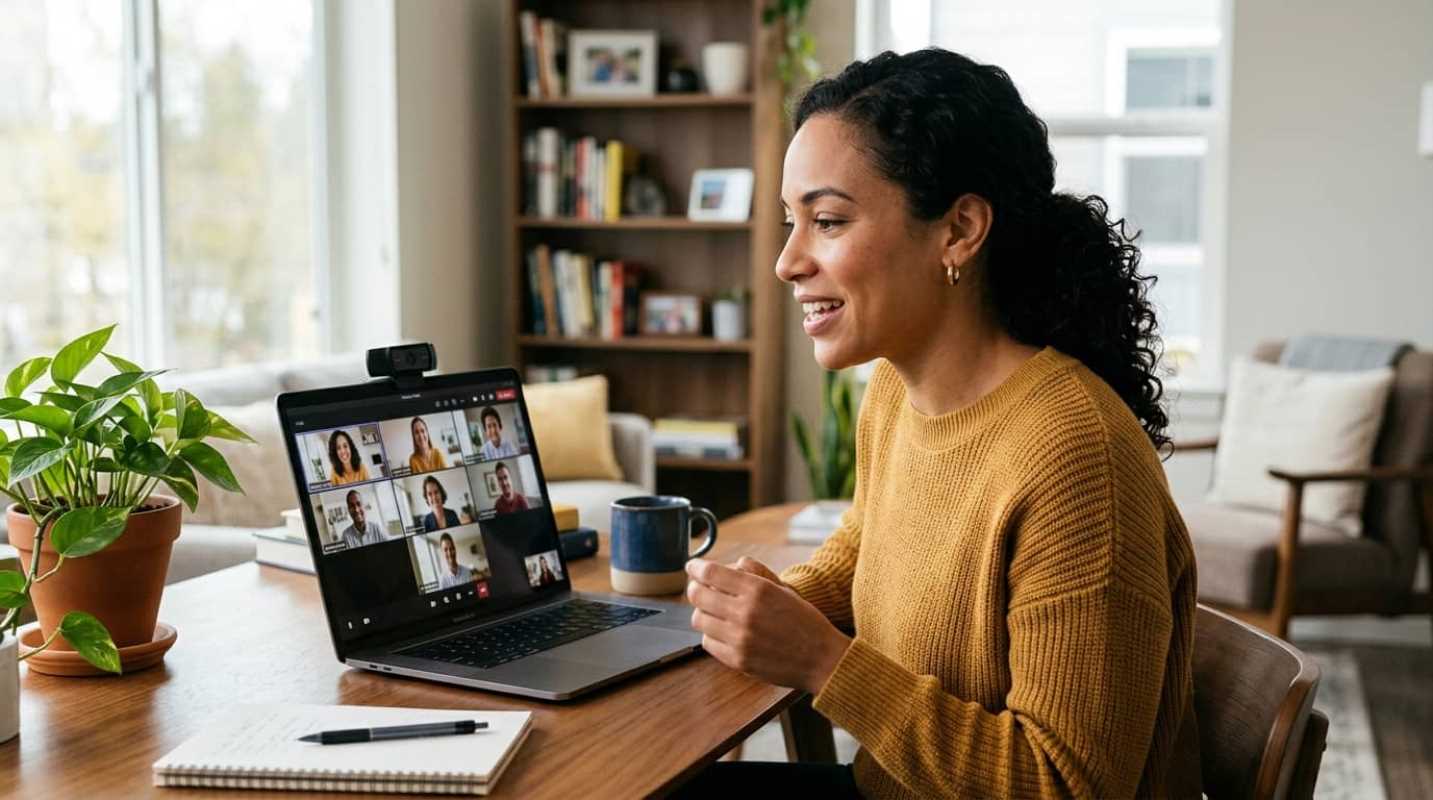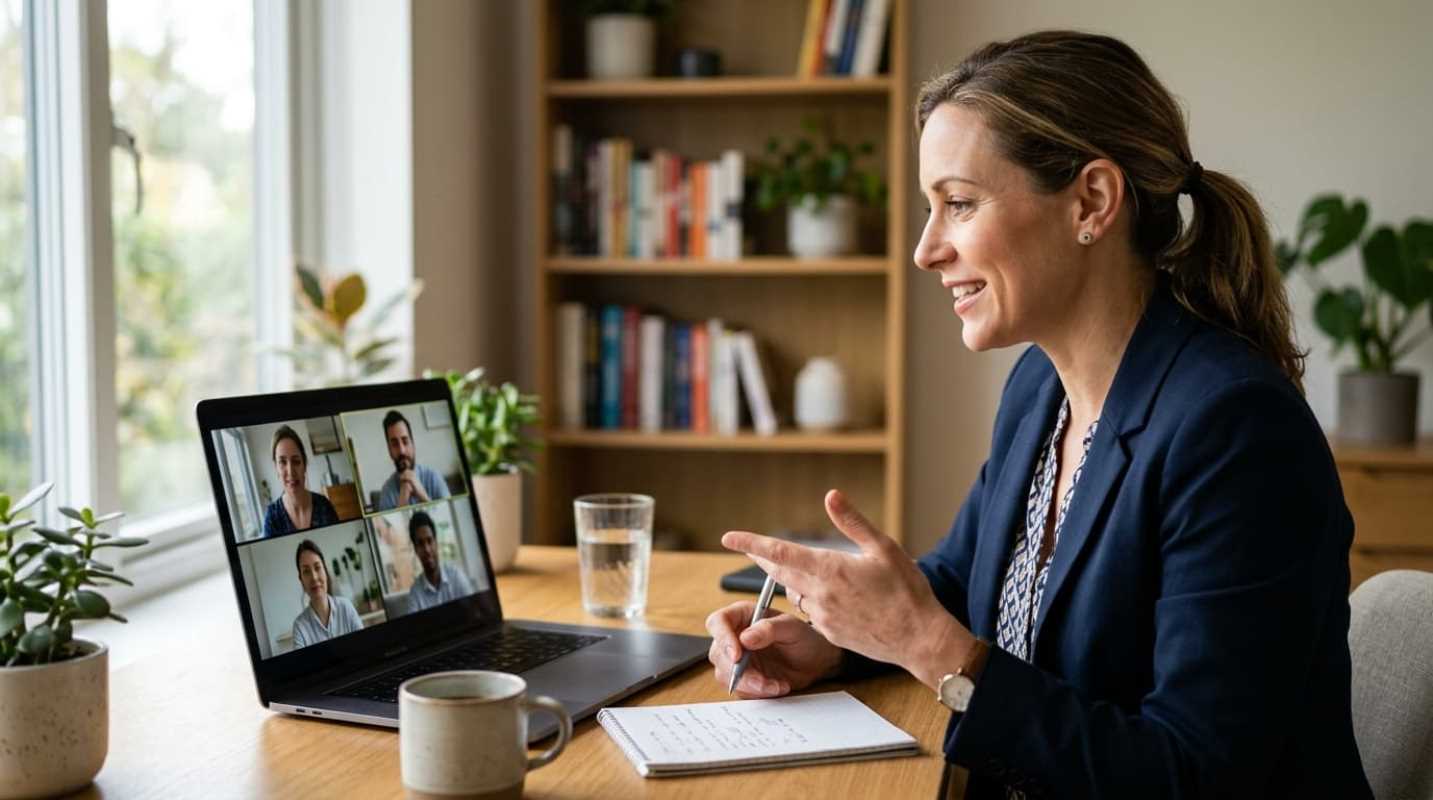
Imagine this scenario. You need to talk to one of your direct reports about a recurring issue with their presentation style. In a physical office, you might grab a coffee together or chat casually in a conference room. But today, you are staring at a grid of faces on a screen, trying to figure out how to deliver tough love without causing panic.
How do you bridge that screen-to-screen gap?
With remote work now a permanent reality in 2026, virtual communication is the primary way we connect. Yet, many managers still struggle to deliver hard truths through a webcam. A recent survey from Founder Reports reveals that only 40% of remote workers feel they receive clear feedback from their management. That is a massive communication gap. In fact, research shows that 29% of remote workers identify communication gaps as their biggest daily hurdle, while 38% of managers report that collaboration has become far more difficult in digital settings.¹
But feedback does not have to be a source of anxiety. When done right, it is a tool for professional growth. Regular, meaningful feedback keeps people engaged. Gallup research shows that 80% of employees who received meaningful feedback in the past week were fully engaged at work. It is all about how you deliver it.
In 2026, leading a team means mastering the digital feedback loop. It is no longer about walking down the hall to clear the air. It is about creating a space of trust through a camera lens. Feedback is a tool for growth, not a source of anxiety, and learning how to deliver it virtually is one of the most important skills a modern manager can develop.
Preparation Setting the Stage for Success
Giving feedback over a video call requires deliberate planning. You cannot just ping someone on Slack with a quick message and expect a productive conversation. That approach is the digital equivalent of a fire alarm, instantly spiking your employee's heart rate.
Instead, you need to establish a dedicated space for this conversation. Never squeeze constructive critique into the last five minutes of a weekly operational meeting. Schedule a separate, one-on-one video call so the employee knows this conversation has your full attention.
To make the meeting less stressful, follow these preparation steps:
• Send an agenda in advance: Let the employee know what the meeting is about at least 24 hours beforehand. This gives them time to process their thoughts and reduces defensive reactions.
• Check technical readiness: Check your microphone and camera before logging on. Tech glitches, frozen screens, and audio lag kill the flow of a sensitive conversation.
• Secure a private environment: Make sure you are in a quiet space where you will not be interrupted by family members, pets, or background noise. This shows respect for the employee's privacy.
Remember, video call fatigue is real. Almost half of remote professionals (49%) report feeling drained by back-to-back virtual meetings.² If your employee is already exhausted by screen time, they will struggle to process constructive criticism. Keep your prep focused and your meeting times respected.
The Art of the Virtual Conversation
When you sit down across a physical table, you pick up on dozens of tiny physical cues. You notice a sigh, a shift in posture, or a slight change in expression. Over a video call, many of these micro-expressions get lost in compression and lag. This is why your on-screen presence matters so much.
To rebuild that lost empathy, both you and your employee must have your cameras turned on. This is non-negotiable. Seeing each other's faces is the only way to prevent misinterpretation and keep the conversation human.
Here are three ways to improve your virtual presence:
• Maintain simulated eye contact: Look directly at your camera lens when speaking, not just at the person's image on your screen. It feels more personal to the person on the other end.
• Practice active listening: Nod your head, use verbal agreements, and repeat back what you hear to confirm understanding. This bridges the digital divide.
• Eliminate all distractions: Close your email client, mute Slack, and put your phone away. It is incredibly obvious when a manager is reading a notification on another screen, and it destroys trust instantly.
Before you deliver the critique, establish psychological safety by declaring your positive intent. Business strategist Marcus Sheridan suggests stating your goal clearly before diving into the details.³ Like, you might say: "My goal for this call is to help you build more confidence with our clients, because I know how valuable your ideas are." This simple opening frames the conversation as supportive, not punitive.
How do you balance directness with warmth? You do it by focusing on the future. Frame your critique around what can be improved next time, rather than just pointing out past mistakes. This shifts the tone from a lecture to a collaborative coaching session.
Navigating Remote Performance Reviews
When it is time for formal performance reviews, the challenge of distance becomes even more apparent. Without daily face-to-face interactions, reviews can easily feel subjective or disconnected from reality.
To combat this, base your feedback on objective data and specific outcomes rather than vague observations. This is where the Situation-Behavior-Impact (SBI) model becomes highly useful for remote teams.⁴ Developed by the Center for Creative Leadership, this framework anchors your feedback in concrete facts.
Let's look at how you can apply the SBI model in a remote context
• Situation: Define the exact digital context. Like: "During yesterday's virtual team meeting with the marketing department..."
• Behavior: Describe the specific, observable action without using personal attacks. Like: "...you interrupted Sarah three times while she was presenting the budget projections..."
• Impact: Explain the consequences of that behavior. Like: "...which disrupted the flow of the meeting and made it difficult for the stakeholders to follow her data."
By sticking to this structure, you keep the conversation focused on actions and outcomes, not personalities. It also helps to structure the review as a two-way dialogue. Ask open-ended questions like: "How do you feel that meeting went?" or "What challenges did you run into there?" This encourages your employee to share their side of the story.
In a remote-first workplace, documentation is your best friend. It provides a clear paper trail that prevents misunderstandings down the road. But do not just file it away in an HR folder. Keep it accessible to the employee so they can refer back to it as they work on their goals.
Closing the Loop: Actionable Next Steps
A great feedback session can easily go to waste if there is no follow-up. In fact, research shows that follow-up failure rates are 34% higher in remote work settings than in traditional offices.² Without physical desk-side check-ins, it is easy for agreed-upon changes to slip through the cracks.
To keep this from happening, you must bridge the follow-up gap before you hang up. Never end a video call without a clear action plan. Ask the employee what resources or support they need from you to make the necessary adjustments.
Once the call ends, take these immediate steps
• Send a written summary: Within an hour of the call, send a brief, supportive recap via email or Slack. This makes sure you both are on the same page.
• Define measurable goals: Write down two or three clear goals with specific deadlines so the employee knows exactly what success looks like.
• Schedule a follow-up session: Set a date for a quick check-in call in two weeks to review progress and celebrate improvements.
To maintain momentum and trust, you need to set clear, measurable milestones. If you just say "try to communicate better," your employee will not know what that means in practice. Instead, define what success looks like, such as "send a weekly progress update every Friday."
Continuous, real-time feedback is becoming the standard. Industry data shows that 75% of firms are shifting away from traditional annual reviews toward real-time feedback systems.⁵ This continuous loop builds trust but can also improve performance by up to 12%. By turning feedback into a supportive, ongoing conversation, you help your remote team thrive.
Sources:
1. Speakwise Remote Work Communication Statistics
https://speakwiseapp.com/blog/remote-work-communication-statistics
2. Claryti Remote Work Meeting Statistics
https://www.claryti.ai/research/remote-work-meeting-statistics
3. Marcus Sheridan on Delivering Feedback
https://www.youtube.com/watch?v=D2FM2a0SCpQ
4. Wipfli The SBI Model
https://www.wipfli.com/about-wipfli/window-into-wipfli/the-sbi-model
5. SurveyConnect Real-Time Feedback Systems
https://surveyconnect.com/news/75-of-firms-shifting-to-real-time-feedback-systems-by-2025/