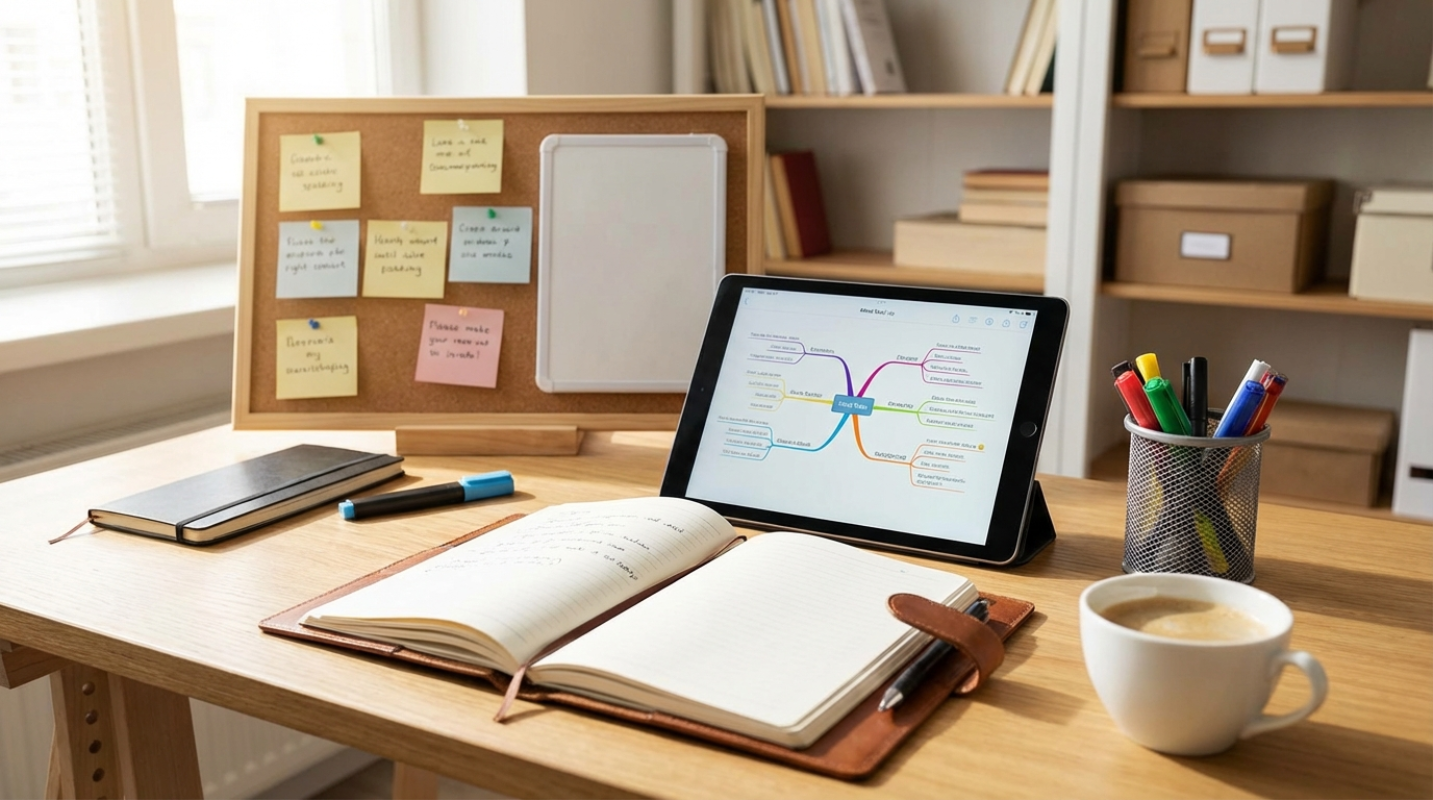
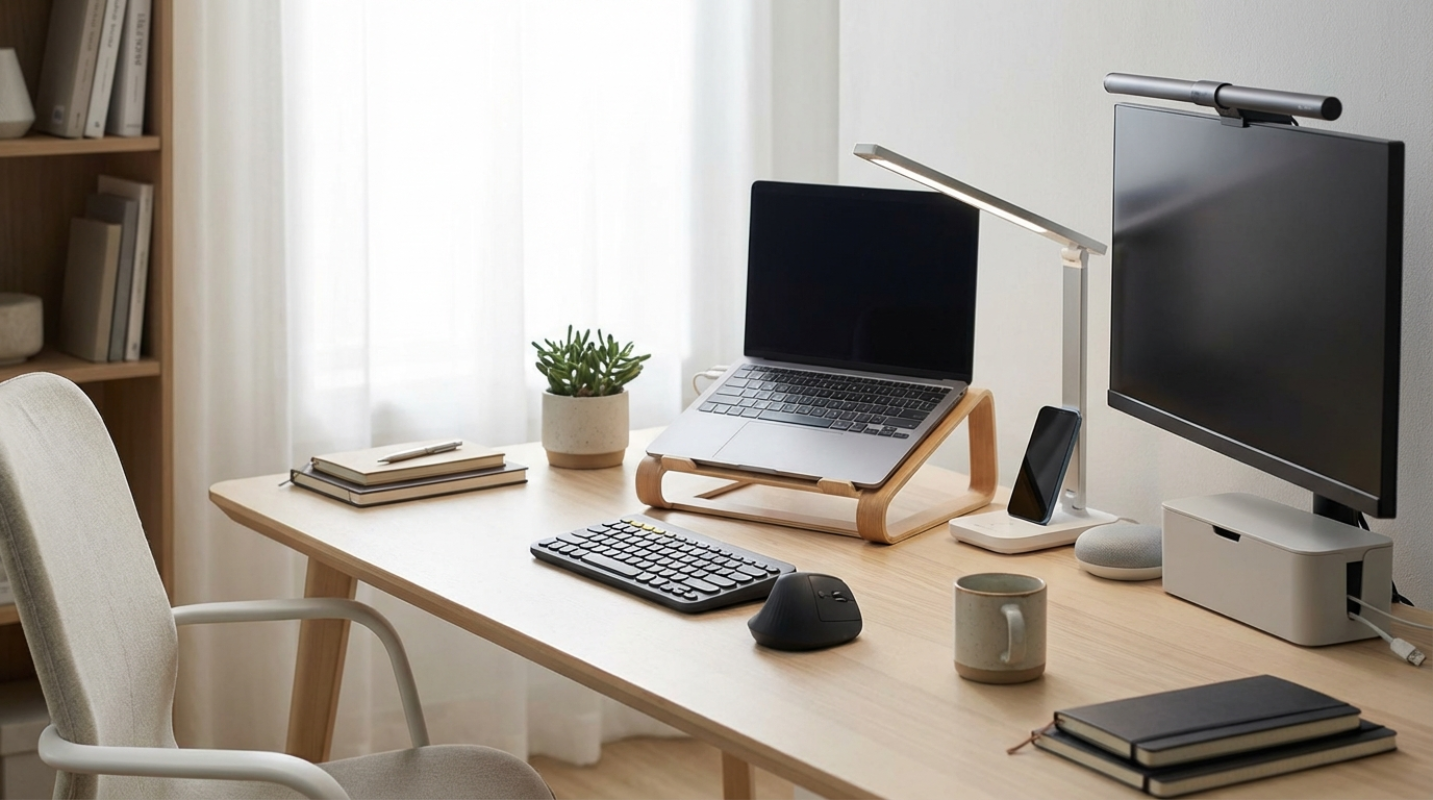
 (Image source: Gemini)
 You've probably spent more time at your desk in the last year than you'd care to admit. The dream of a fully remote or hybrid lifestyle is now just a reality for millions of us. But if you're still hunching over a laptop or squinting through a grainy webcam, you're doing it wrong. You don't need a Silicon Valley budget to build a pro-grade setup. In fact, some of the best upgrades cost less than a week's worth of fancy coffee. It's about being strategic with your spending rather than throwing money at the most expensive brand names. So what does this actually mean for your daily grind? It means you can boost your comfort, fix your lighting, and sharpen your audio without draining your savings. Think of it as a DIY workspace renovation that pays dividends in focus and energy. We're going to look at the gadgets that actually move the needle. From ergonomics that save your neck to audio gear that makes you sound like a pro, these are the tools that turn a boring desk into a productivity hub.
Ergonomics on a Dime
If you've ever ended a workday with a stiff neck or a throbbing wrist, your desk is failing you. Ergonomics is the science of making your tools fit your body, and you can fix most issues for under fifty dollars.
Start with your screen height. If you're looking down at a laptop, you're putting a massive amount of strain on your cervical spine. It's the digital equivalent of wearing a heavy weight around your neck all day.
- Nulaxy Adjustable Aluminum Stand: It raises your laptop up to six inches, which puts the screen right at eye level. It's sturdy, looks sleek, and keeps your laptop from overheating by improving airflow.
- Anker Vertical Ergonomic Mouse: If you're still using a flat mouse, you're forcing your forearm into an unnatural twist. This "handshake" grip mouse reduces wrist strain and helps prevent carpal tunnel issues for less than thirty dollars. It feels weird for the first ten minutes, but your joints will thank you by Friday.
- iVoler Portable Stand: For those who work from coffee shops or move around the house, this foldable option is a must. It weighs less than a pound and fits in any bag, making sure you have a healthy setup wherever you land.
Clarity and Connection
We've all been in that meeting. You know the one, where someone sounds like they're talking from inside a tin can or looks like a collection of moving pixels. Professional video and audio are non-negotiable for remote work. Built-in laptop cameras are notoriously bad because they're crammed into a tiny bezel. A dedicated webcam can handle light much better, meaning you won't look like a shadow during afternoon calls.
- Anker PowerConf C200: This is one of the best values in tech right now. It offers 2K resolution and a physical privacy shutter for under fifty dollars. The AI-powered noise-canceling microphones are surprisingly good at blocking out a barking dog or a crying baby.
- HyperX SoloCast Microphone: If you want to sound authoritative in your presentations, a dedicated USB mic is the answer. This one is often rated as the best budget mic on the market. It has a simple tap-to-mute sensor on top, which is a lifesaver when you need to cough or sneeze mid-call.
- Logitech Brio 100: This is a reliable 1080p choice for those who want a simple plug-and-play solution. It has auto-light correction, so even if you're sitting in front of a bright window, you'll still look clear to your colleagues.
Taming the Chaos
Visual clutter is a silent productivity killer. When your desk is covered in "cable spaghetti," your brain has to work harder to focus on the task at hand. Consolidating your power and organizing your wires is the fastest way to feel like you have your life together.
Think about how much time you waste looking for a charging cable or untangling a knot under your desk. It's a source of low-level stress that adds up over a forty-hour work week.
- UGREEN Cable Management Box: This is a simple plastic box that hides your power strip and all those messy plugs. It's an easy way to clean up the floor or the back of your desk.
- Multi-device Charging Hubs: Instead of having five different bricks plugged into the wall, use one high-speed USB-C hub. It keeps your phone, tablet, and headphones charged in one neat spot.
- Magnetic Cable Organizers: These little clips sit on the edge of your desk and keep your cords from sliding onto the floor every time you unplug them. It's a tiny investment that solves a massive daily annoyance.
Smart Spending for a Smarter Workspace
Building a great home office starts with identifying the friction points in your day and fixing them. If your neck hurts, buy a stand. If people can't hear you, buy a mic. Data shows that roughly 32.6 million Americans will be working remotely by the end of 2025. That is a lot of people sitting at desks that might not be optimized for their health or their output. You don't have to be one of them.
The market has shifted toward utility over luxury. You can now get a high-quality mechanical keyboard like the Keychron C3 Pro for under fifty dollars, which provides a typing experience that was once reserved for enthusiasts. Take a look at your desk right now. What's the one thing that annoys you every single day? Maybe it's the glare on your screen or the way your mouse feels sluggish. Pick one upgrade this week and see how it changes your mood. You've earned a workspace that actually works for you.