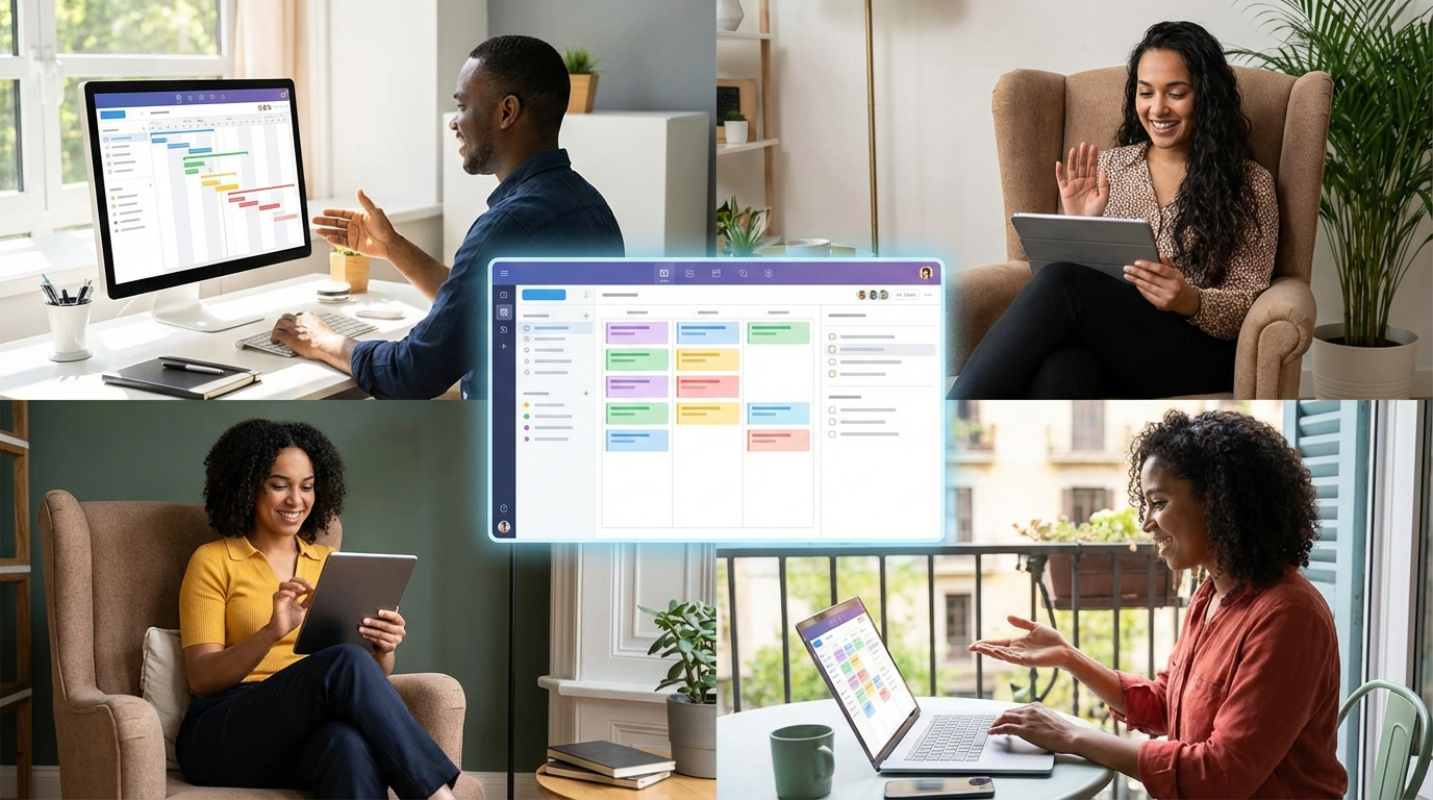
 (Image source: Gemini)
 Remember the days when a shared spreadsheet was the height of office coordination? You would open a file, see that three other people were editing it, and pray your changes did not trigger a version control nightmare. Remote work has evolved far beyond simply "working from home." Today's reality involves managing distributed squads across continents, dodging "Zoom fatigue," and staying productive in a world of constant digital noise. The old tools cannot keep up with these new demands. We need smarter strategies and more integrated platforms that support asynchronous communication and true collaboration without causing burnout. Success now depends on moving past chaotic spreadsheets and embracing systems built for today's complex, distributed workforce.
The Remote Work Reality Check
If you feel like your team is constantly operating in silos, you aren't alone. Without a physical office to "bump into" colleagues, information gets trapped in Slack threads or buried in personal inboxes.
Traditional planning tools often fail because they treat tasks like static objects. They don't account for the fluid nature of a remote workday.
A spreadsheet can tell you that a report is due on Friday. It can't tell you that the person writing it has been stuck in back-to-back meetings for six hours and needs a deadline extension.
This is where digital planners come in. They’ve moved past being simple lists to become your virtual command center.
Think of a modern planner as the heartbeat of your operations. It provides the visibility you lose when you aren't sitting in the same room.
Without this central hub, you’re flying blind. You’re guessing who is busy, who is available, and whether that "high priority" project is actually moving forward.
Core Features of a High-Impact Digital Planner
So, what should you actually look for in a tool? If it just lets you check a box, it’s not enough. You need a system that offers multiple ways to view your work. Kanban boards are great for seeing the flow of tasks from "To Do" to "Done," while Gantt charts matter for understanding how one delay impacts the whole timeline. Real-time updates are non-negotiable. If you have to hit "refresh" to see what your team is doing, the tool is already failing you.
A "single source of truth" is the holy grail here. It means everyone knows exactly where to go for the latest brief, the current deadline, and the most recent feedback. Dependency tracking is another heavy hitter. It’s the digital equivalent of a relay race. If Person A doesn't finish the design, Person B can't start the coding. A good planner makes these connections visible so you can spot bottlenecks before they turn into a crisis.
Workload balancing is the final piece of the puzzle. You need to see if one person is drowning while another has a light week.
- Motion: This uses an AI auto-scheduler to rebuild your team’s calendars whenever a meeting runs long or a new task pops up. It’s like having a personal assistant who understands everyone’s capacity.¹
- Monday.com: If you love visuals, this is your winner. Its "WorkOS" allows you to build custom automation recipes, like automatically alert the manager when a project hits a specific status.
- Asana: Best for complex, multi-layered projects. Their "Asana Intelligence" feature identifies project risks and summarizes status updates so you don't have to read through fifty comments to know what’s happening.
- ClickUp: The ultimate all-in-one hub. It combines tasks, docs, and wikis, and its AI assistant can search across everything to find that one specific note you forgot to bookmark.
- Sunsama: This is the "wellness-first" choice. It focuses on aware planning and includes daily rituals to help remote workers actually disconnect at the end of the day.
- Reclaim.ai: This tool is a lifesaver for "defending" your time. It automatically finds the best slots for 1:1 meetings across different time zones while protecting your deep work blocks.
Rolling Out Your New Planning System Successfully
Buying the software is the easy part. Getting your team to actually use it? That’s where the real work begins.
Don't try to move every single project into a new tool on day one. Start small with a pilot group or a single department to work out the kinks.
You need total buy-in from the top. If the leadership team is still sending tasks via email instead of the planner, the rest of the team will follow suit.
Define your "rules of the road" early on. If a task isn't in the planner, does it even exist? For most successful remote teams, the answer is a hard no.
Establish "meeting hygiene" around your digital tool. Instead of spending thirty minutes on a status update, use the planner to see the status beforehand.
Use the meeting time for actual problem-solving and brainstorming. This shifts the focus from "what are you doing?" to "how can we do this better?"
Customize the views for different roles. Executives usually want a high-level bird’s eye view of project health, while individual contributors need a focused, daily list of their specific tasks.
Visibility, Velocity, and Team Morale
How do you know if the investment is paying off? You’ll see it in the data, but you’ll also feel it in the team culture.
Companies using centralized management software report a 35% increase in productivity compared to those stuck in "email hell." You’ll see this reflected in your cycle times and burn-down rates. But the psychological benefits are even more important. A clear digital planner reduces the need for micromanagement.
When a manager can see the progress in real-time, they don't need to send "just checking in" messages every two hours. This gives the team back their autonomy and trust.
It also reduces the "invisible labor" of remote work. Everyone’s contributions are documented and visible, making sure that hard work doesn't go unnoticed just because someone isn't "loud" on Slack. By centralizing communication and automating the boring stuff, you’re not only staying on track. You’re future-proofing your operations for whatever comes next.