 (Image via
In a traditional office, communication often happens naturally. You can walk over to a colleague’s desk for a quick question, catch up in the hallway, or read body language in a meeting. Remote work removes these informal channels, making deliberate and thoughtful communication more critical than ever. Without it, misunderstandings can flourish, projects can stall, and team morale can plummet. Success in a fully remote environment depends on building a communication framework that is clear, consistent, and inclusive. These are some tips and tricks to help your team connect and collaborate effectively, making sure everyone stays informed, engaged, and aligned, no matter where they are located.
Establish a Communication Charter
The first step toward clear communication is agreeing on the rules of engagement. A communication charter is a document that outlines how your team will interact. It sets expectations and reduces confusion by defining which tools to use for specific purposes. This simple document prevents situations where urgent messages get lost in email or where quick questions unnecessarily interrupt deep work.
Your charter should answer key questions. What is the expected response time for emails versus instant messages? Should instant messages be used for urgent matters only? Where should project updates be posted? For example, your team might decide that instant messaging platforms like Slack are for quick, informal questions. Emails are for more formal, external communication. All project-related discussions and file sharing should happen within a project management tool. Having these guidelines written down creates a single source of truth that everyone can reference, leading to more efficient and less stressful interactions.
Master Asynchronous Communication
Asynchronous communication is any communication that doesn't happen in real-time. Think of emails, comments in a project management tool, or pre-recorded video messages. In a remote team, especially one spanning different time zones, mastering asynchronous communication is essential. It allows team members to contribute on their own schedule without the pressure of being constantly available.
To be effective asynchronously, you must be incredibly clear and provide ample context. Your messages should anticipate potential questions. Instead of writing, "Can you look at this document?" you should write, "Can you please review the Q3 marketing report attached below by 3 PM tomorrow? Specifically, I need your feedback on the budget allocation section on page 4." This level of detail allows your colleague to respond effectively without needing a follow-up conversation. This practice respects everyone's focus time and keeps projects moving forward smoothly.
Choose the Right Tool for the Job
Not all messages are created equal, and they shouldn't all be sent through the same channel. Using the wrong tool can lead to inefficiency and frustration. A complex, sensitive topic discussed over instant messaging can easily lead to misunderstandings. A simple status update delivered via a mandatory 30-minute video call wastes everyone's time.
Create a simple hierarchy for your communication tools.
- Instant Messaging (e.g., Slack, Microsoft Teams): Use this for quick, informal questions and social chatter. It's great for urgent but simple issues.
- Email: Reserve this for more formal announcements, external communication with clients, or detailed messages that are not time-sensitive.
- Project Management Tools (e.g., Asana, Trello): All task-specific conversations, updates, and file sharing should live here. This keeps project information centralized and accessible.
- Video Calls (e.g., Zoom, Google Meet): Use these for complex problem-solving, team-building activities, one-on-one check-ins, and sensitive discussions where tone and body language are important.
Default to Over-Communication
In a remote setting, you can't assume that silence means agreement or that everyone is on the same page. The lack of non-verbal cues means you need to be more explicit in your communication. It’s almost always better to over-communicate than to under-communicate.
This means providing regular, proactive updates on your work. Announce when you are starting a major task and when you have completed it. If you encounter a roadblock, flag it immediately rather than waiting for someone to ask. When you receive a message, a quick "Got it, thanks!" or "I'll look at this and get back to you by the end of the day" lets the sender know their message was received and manages their expectations. This culture of transparency builds trust and prevents small issues from becoming major problems.
Make Meetings More Effective
Remote meetings can be a huge drain on productivity if not managed well. "Zoom fatigue" is a real phenomenon caused by the increased cognitive load of processing non-verbal cues through a screen. To combat this, you need to make every meeting count.
Every meeting invitation should include a clear agenda with specific topics for discussion. This allows attendees to come prepared and keeps the conversation on track. Assign a facilitator to guide the discussion and a notetaker to document key decisions and action items. Start meetings on time and end them on time to respect everyone's schedule. A great practice is to end meetings five minutes early to give people a short break before their next commitment. Always send a follow-up summary with the notes and assigned action items so everyone is clear on the next steps.
Prioritize Video for Connection
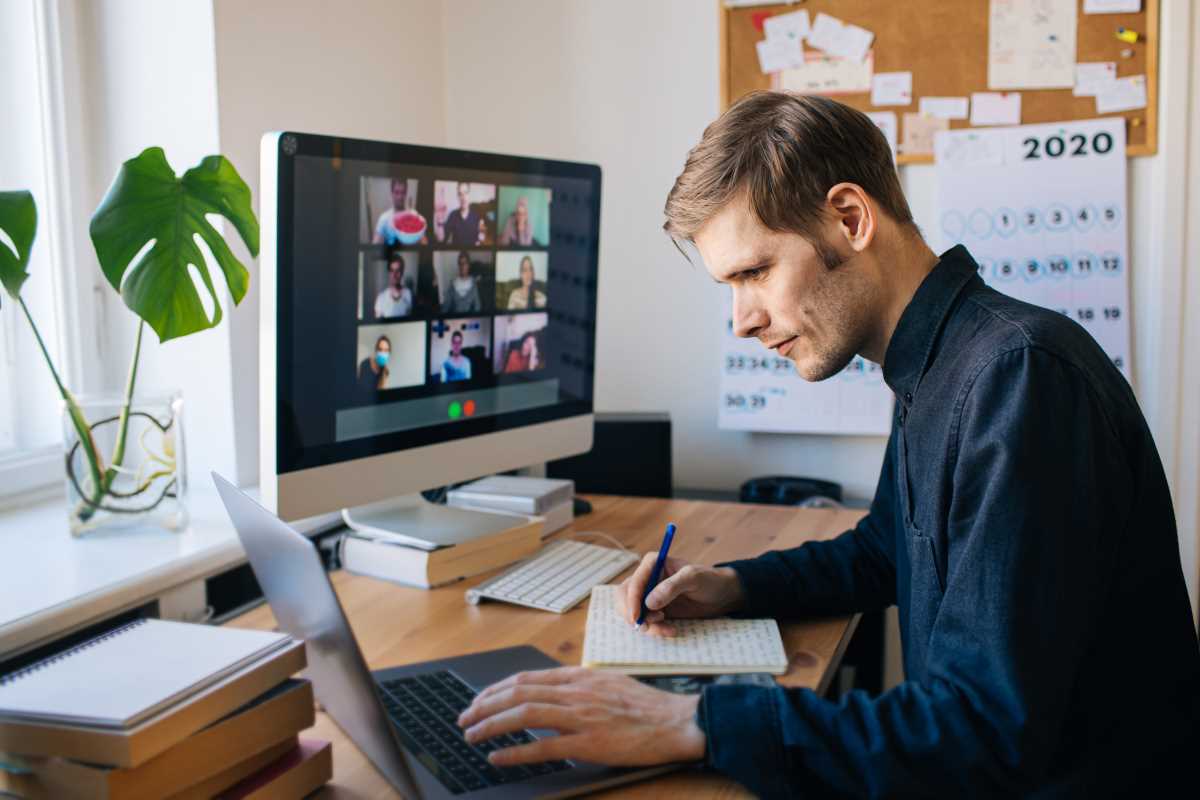
While asynchronous communication is vital for productivity, face-to-face interaction is crucial for building relationships and trust. Video calls help bridge the physical distance between team members. Encourage a "cameras on" policy during team meetings, but be flexible and understanding of individual circumstances. Seeing your colleagues' faces helps you pick up on subtle cues and fosters a stronger sense of connection.
One-on-one video calls between managers and their direct reports are especially important. These check-ins should cover not just work progress but also well-being. Asking "How are you doing?" and genuinely listening to the answer can make a huge difference in a remote employee's sense of belonging. For recording and sharing quick video updates, an app like Loom is fantastic. It allows you to record your screen and camera, which is perfect for explaining a complex idea without scheduling a full meeting.
Intentionally Create Social Channels
The informal social interactions that happen in an office, aka "water cooler" talk, are essential for building team rapport and a positive culture. In a remote team, these interactions don't happen by accident. You have to create them intentionally.
Designate specific channels in your instant messaging app for non-work topics. You could have channels for hobbies, pets, music, or just random daily chatter. These spaces give team members a place to connect on a personal level. You can also schedule optional virtual social events, like a monthly online game session, a virtual coffee break, or a team lunch where everyone orders food and eats together on a video call. These activities may seem small, but they are powerful tools for combating isolation and strengthening team bonds.