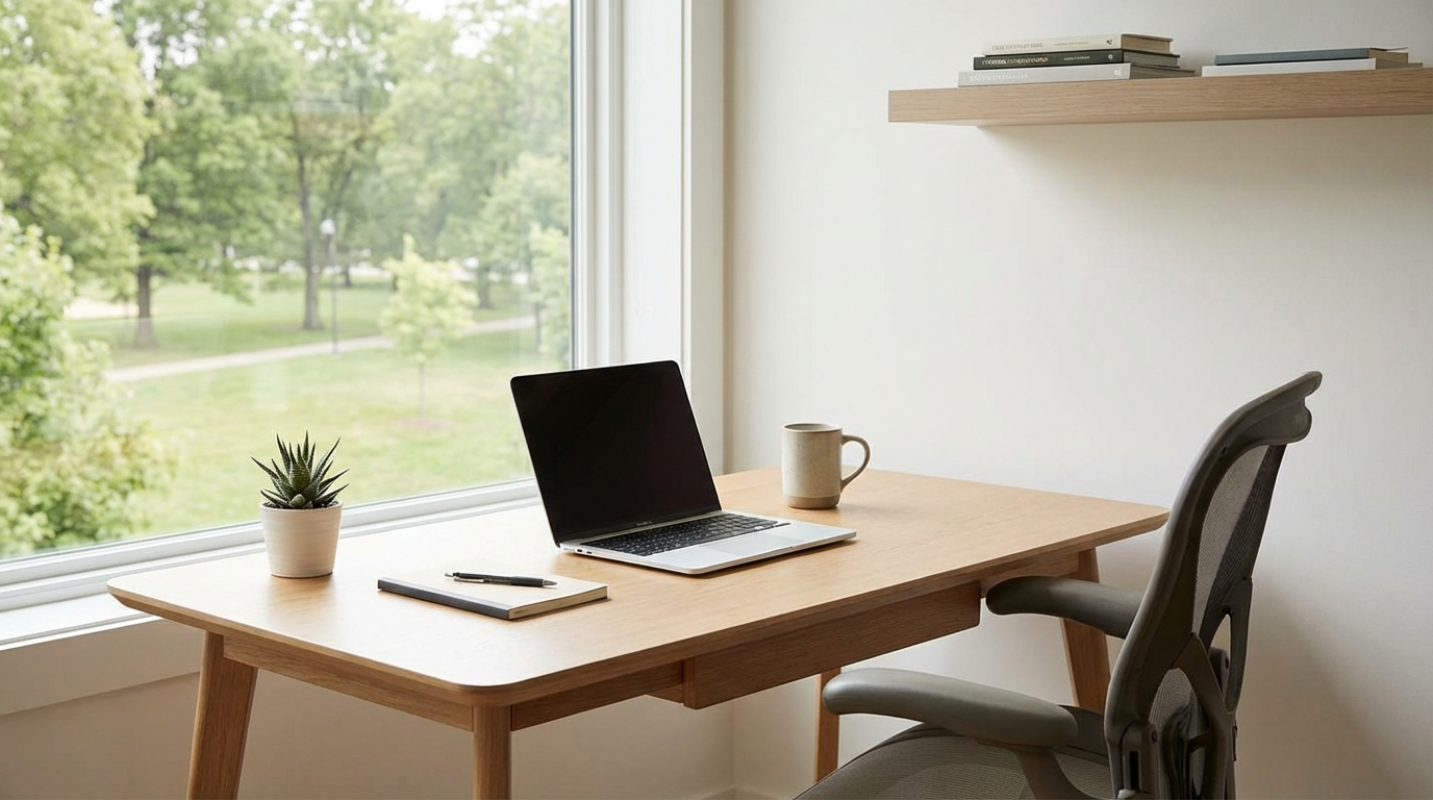
 (Image source: Gemini)
 Between the tangled charging cables, the stack of mail you've been meaning to file, and three half-empty coffee mugs, it's a miracle any of us get anything done. You're not alone in this struggle. The battle against digital and physical clutter has reached a fever pitch. Most of us are drowning in a sea of stuff we don't actually need, and it's costing us more than just desk space. It's costing us our focus. Minimalist workspace design is a strategic tool for cognitive performance. It's stripping away the "noise," so your brain can actually hear itself think. When you focus only on needed tools and clean aesthetics, you're reducing your cognitive load. Think of it like closing a hundred background tabs on your laptop. Once the clutter is gone, the system runs faster.
Why Your Brain Craves Negative Space
The core of a minimalist desk is being intentional. If an object doesn't help you do your job or bring you genuine peace, why is it taking up prime real estate? High-performing professionals are now adopting the "One In, One Out" rule for their desks. If you buy a new mechanical keyboard, the old one doesn't go in the drawer. It leaves the house. This prevents "clutter creep," that slow accumulation of pens, notebooks, and gadgets that eventually suffocates your productivity.
Negative space, the empty areas on your desk or walls, is just as important as the tools you use. It creates visual breathing room. When your eyes aren't jumping from a stapler to a pile of sticky notes to a random figurine, your brain stays in a state of "deep work" much longer. It's the difference between trying to meditate in a crowded subway station versus a quiet park.
Selecting multi-functional, high-quality tools is the secret sauce here. Instead of five different chargers and a desk lamp, you might choose a monitor arm with integrated USB-C power delivery and a built-in light bar. You're looking for items that do more while taking up less physical volume. Quality over quantity is a cliché for a reason. It works.
Taming the Cable Jungle
Nothing kills a minimalist vibe faster than a "cable nest" snaking across your floor. Beyond being an eyesore, cable clutter is a form of visual noise that signals chaos to your brain. Recent data shows that a poorly designed, cluttered office can lead to a loss of 86 minutes per day due to distractions.¹ That's nearly an hour and a half of your life gone because your environment is messy.
To fix this, you have to think about "invisible" technology. The goal is to make the tech work for you without seeing the guts of the system.
- Invisible Routing: Use under-desk cable trays or sleeves to keep cords off the floor. Mounting a power strip to the underside of your desk is a game-changer.
- Single-Cable Setups: If you're on a laptop, a Thunderbolt 4 docking station is your best friend. You plug one cord into your computer, and it handles your monitor, power, and peripherals.
- Wireless Ecosystems: Built-in wireless charging pads integrated directly into the desk surface are becoming the standard. No more hunting for a Lightning or USB-C cable.
By moving your storage to the cloud and using wireless peripherals, you can eliminate almost all physical hardware from your immediate line of sight. It's the digital equivalent of clearing your throat before a big speech. Everything feels more ready.
The Ergonomic Edge
Minimalism doesn't mean you have to sit on a hard wooden stool in a white room. That's not minimalism. That's a self-imposed punishment. In fact, true efficiency requires you to be so comfortable that you forget you're sitting at a desk at all. The best minimalist setups prioritize "dynamic work."
Alternating between sitting and standing can decrease fatigue by up to 20%. A clean-lined standing desk, like the Flexispot E7 Pro, is a staple because it offers height adjustability without the bulky, industrial look of older models. Your body wasn't meant to be a statue for eight hours.
For seating, you want a chair that "disappears" under you. Experts often point to the Herman Miller Aeron or the Branch Ergonomic Chair Pro as the gold standards for this. They provide elite support without looking like a pilot's seat from a sci-fi movie. Also, don't forget the 90-degree rule. Your monitors should be at eye level so your neck stays neutral. If you're looking down at a laptop screen all day, you're basically asking for a tension headache by 3:00 PM.
Painting a Productive Picture
The colors on your walls and the light hitting your desk aren't only "decor." They're mood regulators. We've moved away from the "stark hospital white" of early minimalism and into what designers call "warm minimalism." Think sage greens, muted charcoals, and warm beiges. These tones reduce eye strain and create a sense of calm that's key when you're under a deadline.
Lighting is perhaps the most underrated factor in efficiency. About 82% of workers state that high-quality, natural-toned lighting is the most important factor for their focus. If you can, position your desk near a window to get the most from natural light. If that's not an option, invest in tunable LED lighting. These allow you to shift from a bright "cool" light in the morning to keep you alert, to a "warm" amber light in the evening to help your brain wind down.
Biophilic design is also a major player right now. Adding a single, low-maintenance plant to a sparse desk can increase well-being and productivity by 15%. It's a small touch of nature that breaks up the "tech-heavy" feel of a modern workspace.
Upgrading Your Setup
If you're looking to upgrade your setup today, these are the must-haves that balance high performance with a clean aesthetic.
- Desk: Flexispot E7 Pro Standing Desk. It has a clean aesthetic and promotes movement throughout the day.
- Chair: Branch Ergonomic Chair Pro. This is a top-rated choice because it offers high adjustability without the visual bulk.
- Lighting: BenQ ScreenBar Pro. It clips to your monitor, saving desk space while drastically reducing eye strain.
- Organizer: Orbitkey Nest. A clever way to hide small items like keys and SD cards while providing a wireless charging surface.
- Tech: Logitech MX Master 3S. It features silent clicks and an ergonomic "handshake" grip that's easy on the wrist.
Taking the First Step Toward Clarity
So, where do you start? You don't need to go out and buy a $2,000 chair tomorrow. Start small. Clear your desktop today. Take everything off, wipe it down, and only put back the things you've used in the last hour. Everything else goes in a drawer or the trash. When you reduce the friction in your environment, you'll find that your output naturally amplifies. You might even find that you're more creative when you're not staring at a pile of clutter.