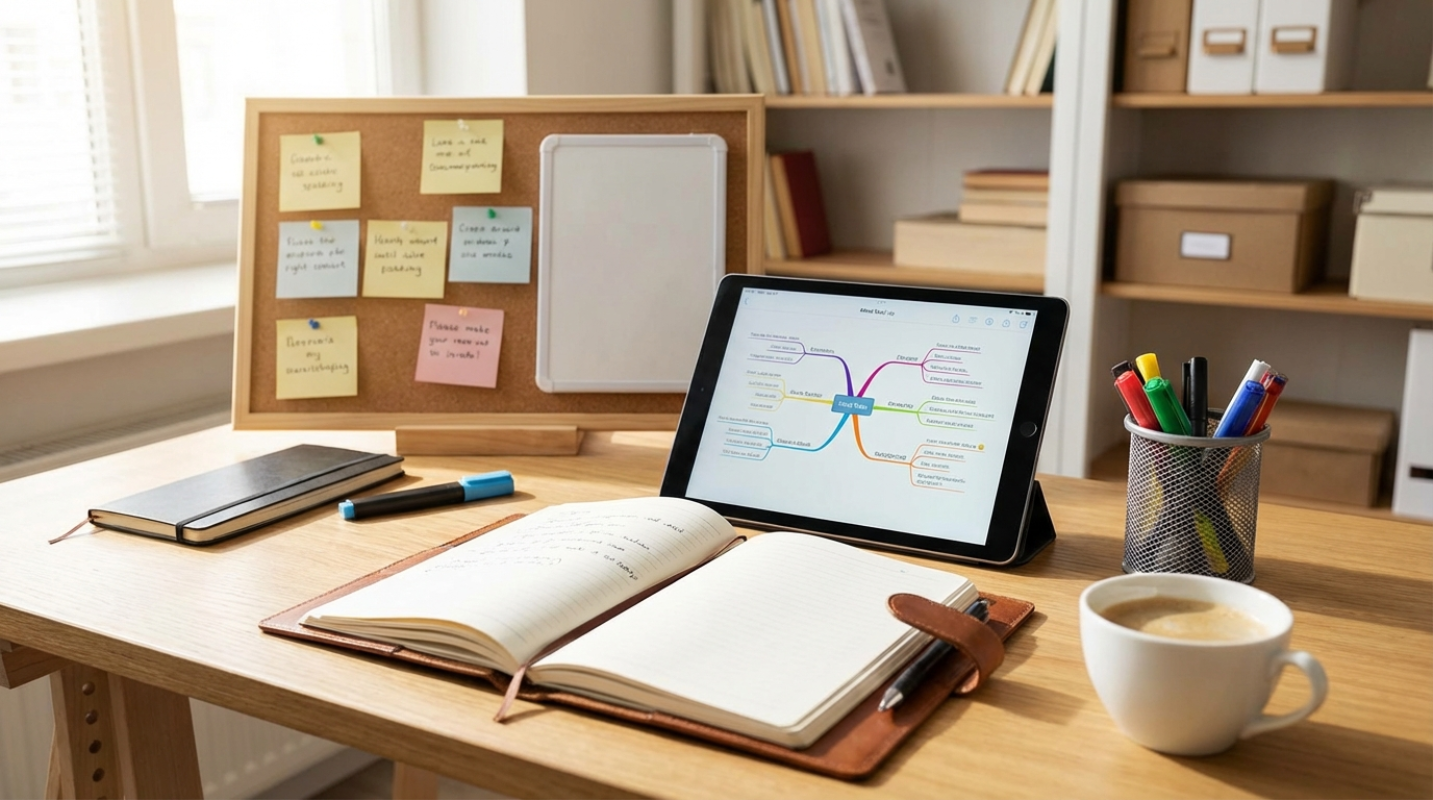
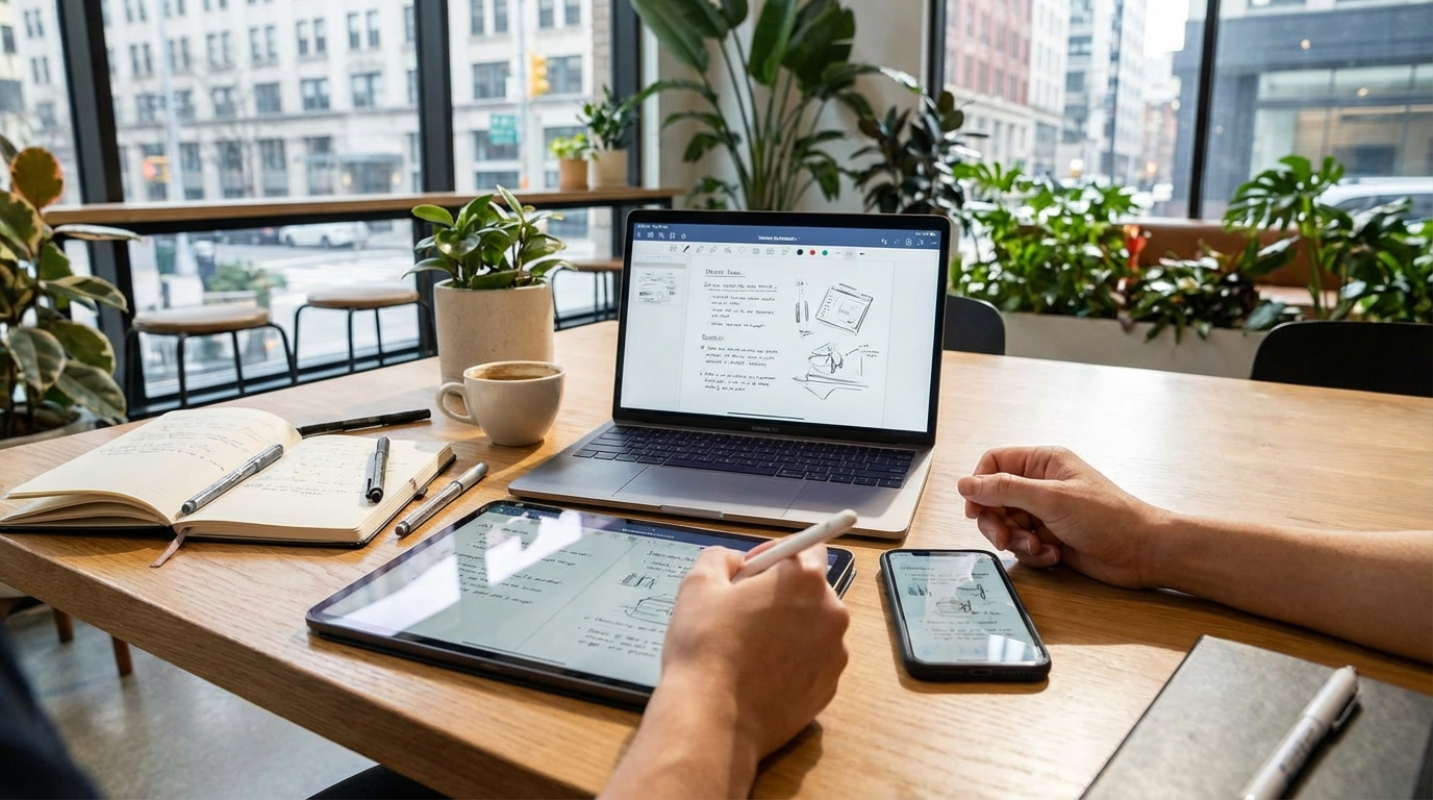
 (Image source: Gemini)
 Losing your notes is the digital equivalent of losing your car keys in a house with fifty rooms. The problem isn't that you lack ideas. The problem is that your ideas are scattered across a fragmented digital space. You don't need another app. You need a system that moves as fast as you do, whether you're on a bus with your phone or at your dual-monitor setup at home. The tech world has mostly moved past the "feature wars" where apps tried to do everything. We've entered an era of reliability and philosophy. You can finally build a setup that truly captures everything without losing a single character to a sync error. It's about creating a frictionless path from your brain to your screen.
Centralization vs. Synchronization
Most people confuse synchronization with a system. Just because your notes "sync" to the cloud doesn't mean you have a system. Syncing is the plumbing. A real system is about centralization. It's the focus on a single entry point for every fleeting thought.
Think of it like a physical mailbox. It doesn't matter if the mail comes from the government, a friend, or a catalog. It all goes into one slot. Your digital life needs an "Inbox" concept. This is a low-friction location where you dump everything before you have time to organize it. If you have to think about which folder a note belongs in while you're trying to capture it, you've already lost the battle.
The best systems prioritize speed and reliability over fancy formatting. You need something that works offline, because inspiration doesn't always wait for a 5G signal. If an app takes five seconds to load, that's five seconds for your idea to evaporate. You want a system that feels like an extension of your own mind, not a chore you have to manage.
Reviewing the Cross-Platform Powerhouses
Finding the right note-taking app is a digital extension of your mind where ideas live, grow, and connect. But with so many options on the market, choosing the right one can feel paralyzing. Do you need a fortress of privacy, a collaborative workspace, or a bottomless filing cabinet?
We have analyzed three of the biggest contenders in the space to help you decide which digital ecosystem fits your workflow.
Obsidian
If you value privacy and speed, Obsidian is likely your best bet. It treats your notes as simple Markdown files stored on your own device. This is a huge deal because it means you actually own your data. If the company went bankrupt tomorrow, your notes would still be there, readable by any basic text editor.
Back in 2024, Obsidian made their encrypted sync service much more affordable, it has become the gold standard for power users. It features a "Graph View" that lets you see visual connections between your ideas. It's like building a "Second Brain" where you can see how a note about gardening might actually relate to a project about software design.
- The Graph View: This is Obsidian's signature visual tool. It maps your notes as nodes in a network, allowing you to see clusters of related ideas and discover connections you might have missed.
- Canvas: Think of this as an infinite whiteboard. You can drag and drop notes, images, and web pages onto a limitless surface to brainstorm complex projects visually.
- Community Plugins: Obsidian is highly extensible. The community has built thousands of plugins, allowing you to add features like Kanban boards, calendar integration, or advanced citation management for academic writing.
- Local-First Architecture: Because files live on your hard drive, the app is incredibly fast. There is no lag while waiting for a server to respond, and you can work fully offline without missing a beat.
Notion
Notion is the heavy hitter for people who love structure and collaboration. It's less of a note-taking app and more of a construction kit for your life. You can turn a simple list of ideas into a full-blown project management board with one click.
For years, the biggest complaint about Notion was that it didn't work well offline. But after the offline mode developments that started in late 2024, the app has become much more reliable for people on the move. It's perfect if you're the kind of person who likes to see your notes alongside your calendar, tasks, and databases.
- Powerful Databases: This is Notion's superpower. You can create a database of notes and view it in multiple formats: as a list, a Kanban board, a calendar, or a timeline.
- Synced Blocks: This feature allows you to copy a paragraph (or "block") from one page and paste it onto another. If you edit the text in one location, it automatically updates everywhere.
- Team Spaces: Notion excels at multiplayer mode. It offers granular permission settings, real-time co-authoring, and comments, making it the default operating system for many startups and creative agencies.
- Notion AI: Built directly into the editor, the AI assistant can summarize messy meeting notes, draft emails, or brainstorm blog post ideas without you ever leaving the page.
Evernote
Don't count out the original king of notes. After a massive technical overhaul a few years ago, Evernote's RENT sync engine made it significantly faster and more reliable than the sluggish version people remember from a decade ago. It remains the best tool for people who need to "clip" the internet.
If you find yourself saving a lot of PDFs, scanning physical receipts, or clipping long articles from the web, Evernote's search is still the one to beat. It can find text inside a blurry photo of a whiteboard or a deep page in a hundred-page document. It's the ultimate digital filing cabinet.
- Web Clipper: Still the industry standard, Evernote's browser extension lets you save entire web pages, simplified articles, or screenshots directly to your notebooks with a single click.
- Optical Character Recognition (OCR): Evernote makes everything searchable. You can take a picture of a handwritten menu or a whiteboard session, and the app will index the text so you can find it later.
- Home Dashboard: Start your day with a customized view that shows your recent notes, a scratchpad for quick thoughts, your calendar events, and your task list all in one place.
- Document Scanning: The mobile app features a built-in document scanner that automatically detects edges, straightens images, and enhances contrast for perfect digital copies of physical paper.
The Workflow Deep Dive
Having the app is only twenty percent of the solution. The rest is the workflow. A system that works across devices follows a simple three-step cycle: Capture, Process, and Integrate.
- Capture: This is the "on the bus" moment. You use the fastest tool available. Maybe it's a widget on your phone's home screen or a voice-to-text shortcut. You don't worry about titles or tags. You get the words down.
- Process: Once a day (or once a week), you sit down at your desktop. This is where the cross-device magic happens. You open your "Inbox" and look at those raw notes. You clean up the typos, add a few links, and decide what they actually are. Is this a task? A project idea? Or a cool quote to save for later?
- Integrate: You move the note to its final home. If you're using the "Hybrid" system that many experts recommend, you might move a raw thought from your phone's quick-capture tool into a permanent home like Obsidian for long-term thinking, or Notion for active project work.
You can even use automation tools like IFTTT or Apple Shortcuts to bridge the gaps. Like, you can set up a shortcut so that every time you "star" a message in Slack or a post on X, it automatically sends the text into your primary note-taking inbox. This eliminates the need to manually copy and paste across different apps.
Mastering the Glue Technologies
The biggest mistake you can make is getting locked into a proprietary format. If you write everything in a format that only one app can read, you're building your house on rented land. This is why Markdown has become the "glue" of the note-taking world. It's a simple way of formatting text (using symbols like hashtags for headers) that works everywhere.
You also need to think about the cloud service that acts as the bridge. Although Obsidian offers its own encrypted sync, many users still rely on services like iCloud, Dropbox, or OneDrive to keep their files in harmony across Windows, Mac, iOS, and Android. The key is to pick one and stay consistent.
Ultimately, the best system is the one you actually trust. If you find yourself wondering, "Did that sync?" then the system has failed. You should be able to close your laptop, walk out the door, and know that your thoughts are waiting for you in your pocket. When you stop worrying about the technology, you finally have the mental space to focus on the ideas themselves. That's the real goal of a cross-device system. What matters is the freedom to think anywhere.