 (Image via
Virtual reality technology has rapidly evolved, shifting from a futuristic novelty to a practical solution for boosting productivity, creativity, and entertainment. There's really nothing that VR devices can't do now. Modern VR devices combine powerful hardware, intuitive controls, and ever-expanding libraries of applications, transforming the way we work and play. By offering deep immersion, flexible platforms, and seamless integration with software for both recreation and professional needs, these devices unlock new possibilities every day.
Meta Quest 3
The Meta Quest 3 leads the market as a standalone headset that requires no external PC or console. Its ease of setup makes it accessible for all users, from tech novices to seasoned VR enthusiasts.
Features and Benefits:
- Mixed Reality Capabilities: The Quest 3 offers high-fidelity color passthrough cameras and advanced hand-tracking, blending digital objects with your actual surroundings. This means you can play mixed reality games where virtual obstacles appear in your living room, or enhance fitness sessions with interactive visual guides that respond to your movements.
- Vibrant Visuals: The headset boasts an improved display resolution and refresh rate over previous models, resulting in crisp graphics and smooth performance. This brings games, apps, and VR workspaces to life with striking clarity.
- Rich Content Library: Quest 3 provides instant access to thousands of games, creative tools, social apps, and educational experiences. You can sculpt 3D art, explore VR museums, or challenge friends in competitive multiplayer matches.
Work Use Cases:
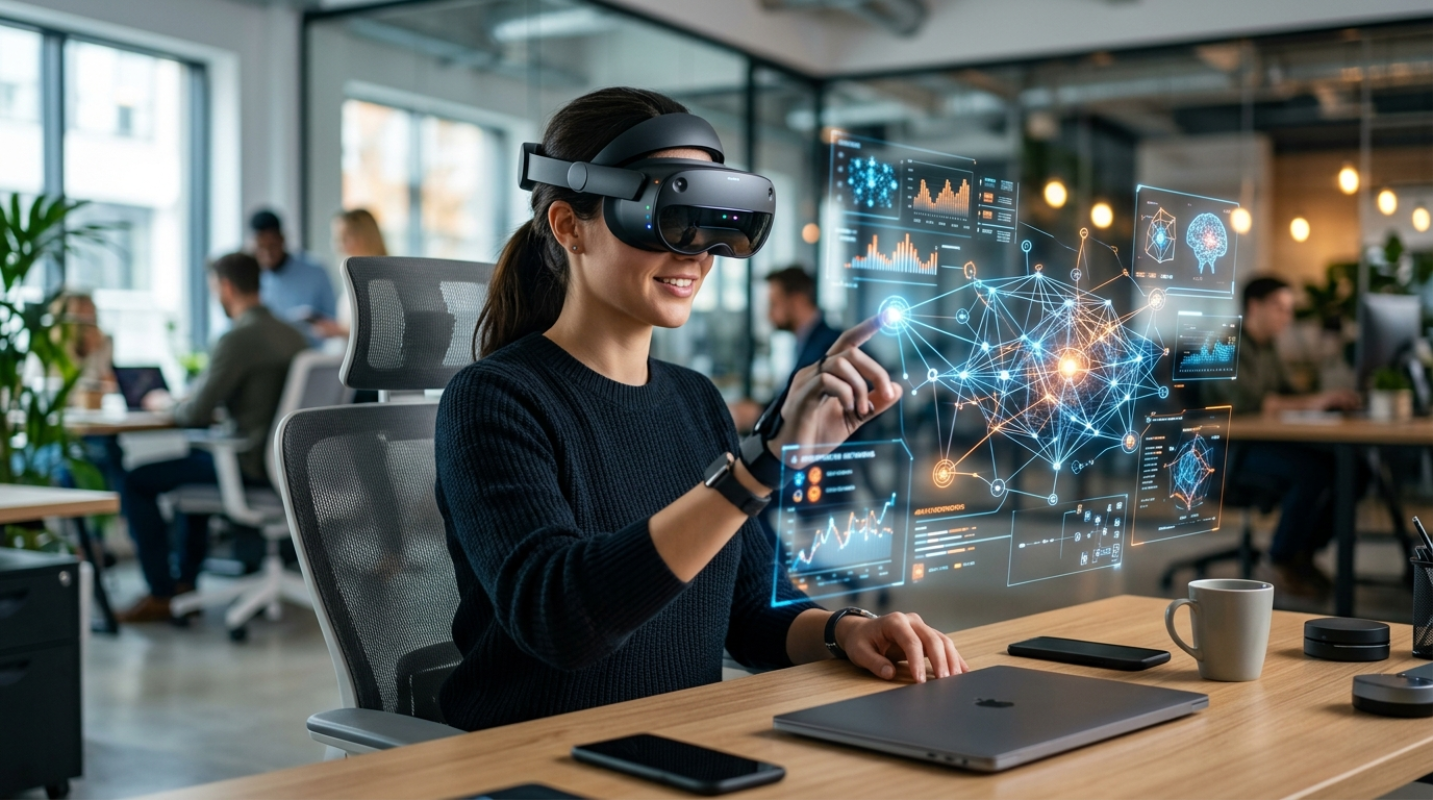
- Virtual Offices: Apps like Meta Horizon Workrooms and Immersed allow you to create a distraction-free virtual office, complete with multiple floating computer screens, customizable environments, and realistic meeting rooms. This helps remote workers block out home distractions and collaborate as if they’re in person.
- Brainstorming and Whiteboarding: VR whiteboards let teams sketch, ideate, and visually map projects in 3D. Architects, designers, and project managers can share ideas interactively, manipulate diagrams, or present 3D models to clients in real time.
- Training and Simulation: The Quest 3 is increasingly adopted across the medical, manufacturing, and service industries, offering interactive simulations that teach users complex procedures or customer service techniques in a risk-free, repeatable environment.
Play Use Cases:
- Fitness and Sports: Gamified fitness titles turn exercise into an adventure, encouraging users to dance, box, or even fence against VR opponents. Leaderboards and progress tracking keep workouts engaging.
- Creative Exploration: Apps like Tilt Brush and Kingspray Graffiti let users paint or design in 3D, enhancing skills and creativity.
- Family and Social Connection: Multiplayer platforms enable collaborative puzzle games, escape rooms, or just hangouts in fantastical worlds.
Sony PlayStation VR2 (PSVR2)
Engineered exclusively for the PlayStation 5, PSVR2 is designed to deliver high-end, next-generation VR gaming. Its advanced technology and ergonomic design set a new standard for user comfort and immersion.
Features and Benefits:
- Stunning OLED Display: High-resolution OLED screens provide vibrant colors and deep blacks, offering realistic visuals that make game worlds feel lifelike.
- Eye Tracking: PSVR2’s built-in eye-tracking follows your gaze, enabling dynamic focus and more intuitive menu navigation. Certain games use eye movement as an input method, making controls more immersive.
- Advanced Haptics: Both the headset and controllers include haptic feedback and adaptive triggers, delivering nuanced sensations, from gentle rain to heavy vibrations, enhancing realism.
- Finger Touch Detection: The Sense controllers recognize the position of your fingers, translating subtle hand movements into the world for more lifelike gestures.
Work and Play Use Cases:
- Immersive Storytelling: Adventure games and cinematic experiences come alive with realistic settings, spatial audio, and tactile feedback. Users can experience interactive narratives, living the story as if they’re a character within it.
- VR Art and Creativity: Creative applications like painting, sculpting, or music composition apps provide tactile, visual, and even auditory feedback, helping users build new skills in an engaging, hands-on way.
- Learning and Education: VR language tutors, science labs, or historical simulations allow for dynamic, immersive learning that can be much more memorable and impactful than traditional methods.
- Multiplayer Gaming: Cooperative and competitive titles allow friends or family to team up or face off in shared spaces, whether it’s solving mysteries, exploring dungeons, or racing on futuristic tracks.
Valve Index
The Valve Index is a top-tier headset designed for users seeking maximum immersion and performance. Its robust hardware caters to both serious gamers and professionals in need of accurate simulation.
Features and Benefits:
- High Refresh Rate & Resolution: The Index offers a super-smooth refresh rate of up to 144Hz and high-resolution displays, greatly reducing motion blur and eye strain, even during extended sessions.
- Knuckle Controllers: Its unique controllers track every finger individually, allowing for natural hand movements, realistic object manipulation, and intricate gestures, perfect for detailed simulations or complex creative work.
- Wide Field of View: An expanded field of view gives you increased situational awareness and immersion, especially important for design reviews and interactive storytelling.
- PC Connectivity: Although it requires a powerful gaming PC, this unlocks access to intensive apps and graphics-heavy experiences not feasible on stand-alone devices.
Work and Play Use Cases:
- Professional Simulation: Valve Index headsets are widely used for aviation, automotive, and medical simulations where accuracy is key. Pilots can rehearse cockpit procedures, surgeons can practice complex operations, and engineers can assemble virtual prototypes.
- Collaborative Design: In architecture and engineering, teams use VR to walk through building models, spot potential issues before construction, or present new designs to clients interactively.
- AAA Gaming: The Index is the go-to choice for top-tier gaming titles with advanced mechanics, mod support, and deep user customization.
Powerful Platforms and Social Experiences
Meta Horizon Workrooms: This platform redefines remote work. It can host virtual meetings with colleagues worldwide, provide interactive whiteboarding, and support screen sharing. Features like realistic spatial audio and expressive avatars foster a sense of presence, tackling remote work fatigue and improving collaboration.
Gravity Sketch: A favorite of industrial designers, Gravity Sketch lets users create, review, and adjust 3D models naturally using motion controllers. Rapid prototyping, instant scaling, and real-time feedback are just a few benefits that make it ideal for automotive, fashion, and architectural design.
VRChat and Rec Room: Beyond solo experiences, these platforms are packed with user-generated worlds and social mini-games. Attend concerts, build custom rooms, or join hobby communities. These apps offer a vibrant way to unwind, meet new people, and stay social, safe at home or with friends across the globe.
Specialized Industry Applications
- Employee Onboarding and Training: VR simulations can familiarize new hires with hardware, protocols, or customer service scenarios before entering the actual workplace. Companies reduce training costs and improve safety outcomes.
- Medical and Therapy: VR exposure therapy treats phobias, PTSD, and anxiety disorders in controlled settings. Surgeons refine their technique with repeated simulated procedures.
- Education and Classroom Learning: Interactive VR lessons engage students of all ages, allowing them to "visit" the inside of a cell, walk on Mars, or interact with historical scenes for a richer educational experience.
Choosing the Best VR Device
Selecting the right VR device depends on your needs:
- Meta Quest 3 is ideal for general users, homes, and those seeking flexibility without a tethered PC.
- PSVR2 is for console gamers and those who want cutting-edge gaming and creative experiences.
- Valve Index is chosen by power users and professionals demanding the best in simulation, design, and high-end gaming.