 (Image source: Gemini)
 We're dealing with more data than ever before. Between AI-generated drafts, cloud syncs, and endless Slack attachments, our digital workspaces have become minefields of clutter. This isn't just a minor annoyance. It's a massive drain on your time and mental energy. The numbers are actually pretty staggering. Research shows the average worker loses about 4.5 hours every single week just searching for files or links they've already seen. That’s nearly 29 workdays a year down the drain. If you feel overwhelmed, it's because digital overload can drop your task efficiency by 25 percent. This article is your roadmap to reclaiming control. We’re going to move past the "I'll clean it later" phase and build a system that actually sticks. By the time you’re done reading, you’ll have a clear approach to turn your digital chaos into a streamlined, high-performance workflow.
The Great Digital Audit
Before you can organize, you have to face the mess. Most of us have a few "dark zones" where files go to die. The biggest offenders are usually the Desktop, the Downloads folder, and that one "Misc" folder you created three years ago.
Start with the Downloads folder. It is the biggest source of digital friction. Most of what lives there is temporary, such as installers, one-time PDFs, or duplicate images. Set a timer for 30 minutes and go through it with a "delete first" mindset. If you haven't opened it in a month, you probably don't need it.
Use the "Is it Needed?" rule for everything else. As you look at a file, ask yourself if you need it for an active project, a legal requirement, or a specific future reference. If the answer is no, hit delete. If you’re hesitant, move it to a single "To Be Sorted" folder for one week. If you don't touch it by next Friday, trash it.
Don't forget your cloud storage. Services like Google Drive and Dropbox are great, but they often become "digital attics" where we store things just because we have the space. A quick audit of your largest files can free up gigabytes of space and make your search results much cleaner.
Establishing a Naming and Folder Structure
Consistency is the secret to a workflow that actually works. If your files are named "Final_v1," "Final_FINAL," and "Actual_Final_Use_This," you've already lost the battle. You need a standardized naming convention that makes sense to both you and your computer's search engine.
The gold standard is the ISO 8601 date format. Always start your filenames with YYYY-MM-DD (like 2024-05-12_ProjectName). This make sures that your files always sort chronologically, regardless of when they were last modified. It's a simple change that saves hours of scrolling.
Avoid using spaces in filenames. Use shows or hyphens instead. This prevents broken links when you share files and make sures everything looks right across different operating systems. Keep your names under 30 characters if possible, but be descriptive enough that you don't have to open the file to know what's inside.
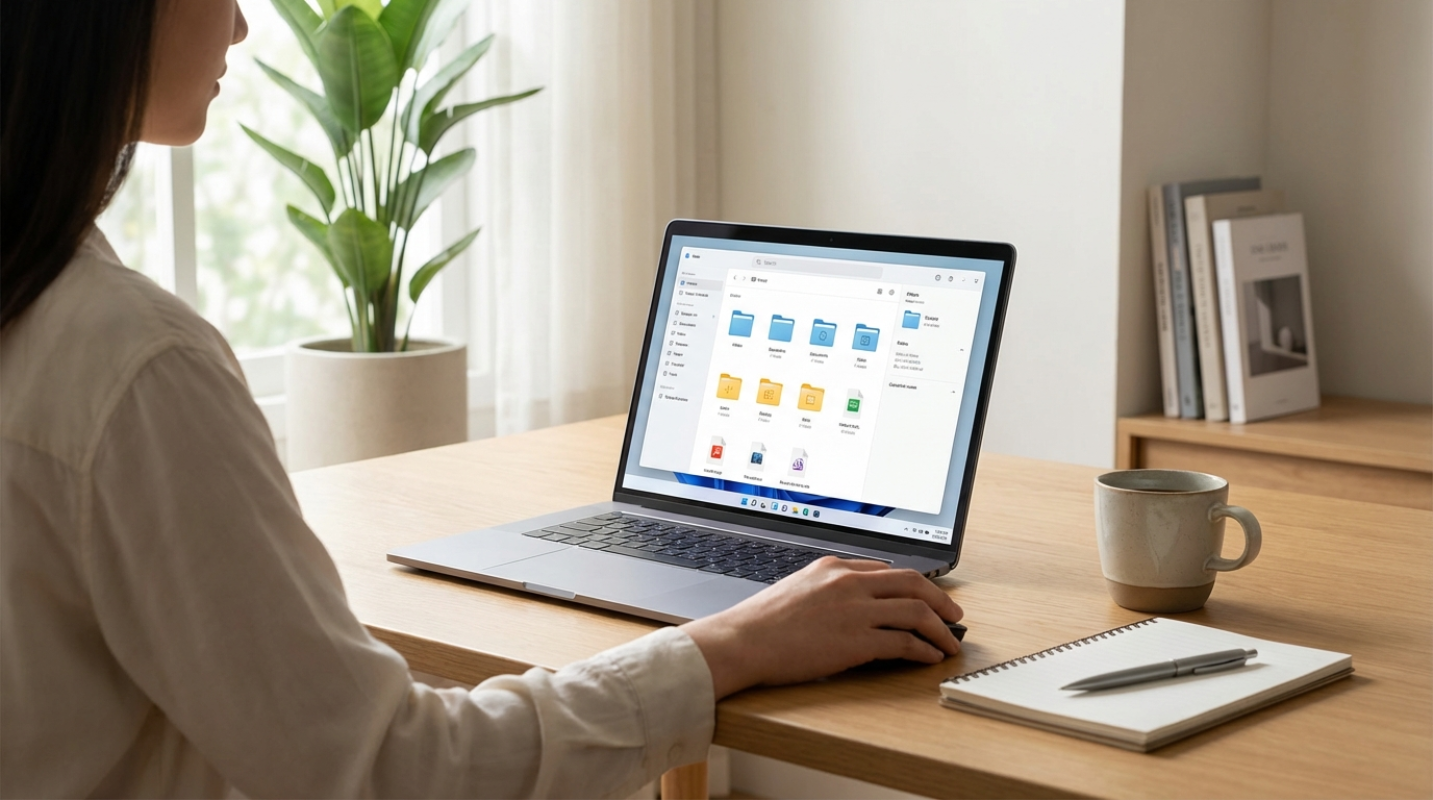
For your folder structure, think shallow, not deep. Experts suggest a hierarchy that is no more than three or four folders deep. If you have to click through ten folders to find a document, you’ll eventually stop filing things correctly. Use broad categories that funnel down into specific projects.
The PARA Method
One of the most effective ways to categorize your digital life is the PARA method, popularized by Tiago Forte. It organizes information based on how "actionable" it is, rather than just by topic.
- Projects: These are active tasks with a specific deadline, like a marketing campaign or a website redesign.
- Areas: These are ongoing responsibilities that don't have an end date, such as finances, health, or professional development.
- Resources: These are topics of interest that you might want to reference later, like research on AI trends or travel ideas.
- Archives: This is where you put completed items from the other three categories so they stay out of your way but remain searchable.
Taming the Cloud and Mastering Search
We store and sync files, but syncing everything can lead to "selective sync" headaches. You need to decide what needs to be on your hard drive for offline access and what can live exclusively in the cloud. This keeps your local machine fast and your storage costs down.
Native search tools have become incredibly powerful. On a Mac or Windows machine, you can use keywords, file types, and dates to find exactly what you need in seconds. If you’ve followed the naming conventions from Phase 2, your search results will be pinpoint accurate.
Automation is your best friend here. You can use tools to automatically move email attachments into specific project folders. Like, any invoice that hits your inbox can be instantly routed to your Finances folder without you lifting a finger. This reduces the manual labor of staying organized.
Tools like Dropbox Dash or SharePoint Premium now use AI to find files based on context. Instead of remembering a filename, you can search for "that contract I signed with Sarah last Tuesday." These tools are game-changers for anyone managing thousands of documents across multiple platforms.
Maintenance Mode
Organization isn't a one-time event. It's a habit. Even the best system will crumble if you don't maintain it. Think of it like doing the dishes. If you do them every night, it takes five minutes. If you wait a month, it's a disaster.
Implement a "Weekly Digital Sweep." Every Friday afternoon, take 15 minutes to clear your Desktop and empty your trash. Move any "loose" files into their proper PARA folders. This ritual signals the end of the work week and make sures you start Monday with a clean slate. You also need a clear archiving approach. When a project is finished, don't let it sit in your active "Projects" folder. Move it to the "Archives." This keeps your daily workspace focused only on what matters right now. It’s reducing the "digital noise" that competes for your attention.
The goal here is to create a system that supports your work rather than getting in the way of it. When your files are organized, your mind is free to actually do the work you’re paid for. You'll find that your "notification anxiety" drops and your focus sharpens. So, what does this actually mean for your Monday morning? It means no more frantic searching. It means knowing exactly where your "Resources" are. Most importantly, it means having the confidence that your digital environment is working for you, not against you.