Every home office eventually accumulates a drawer of good intentions: the gadget that promised focus, the organizer that became clutter with compartments, the charging dock for a device you replaced. Desk accessories are cheap enough to buy on impulse and small enough to keep out of guilt, which is exactly why most desks carry more than they should. But a handful of accessories genuinely change how a workspace feels and functions, day after day. The difference between the keepers and the clutter is not price or novelty. It is whether the item removes a recurring friction from your actual workday. Here is how to tell them apart, and which categories consistently earn their footprint.
The Test: Daily Use or Daily Cost
Before anything new lands on your desk, run it through a simple filter: will this be used, or at least useful, nearly every working day? Desk space is not free. Every object on the surface costs a little attention, a little cleaning effort, and a little of the open area your arms and papers need. An accessory earns its space when it either gets touched daily or silently prevents a daily annoyance, the way a cable clip prevents a charger from sliding to the floor every time you unplug.
The corollary is just as important: anything that fails the test should leave the desk, even if it was expensive, even if it was a gift. Move it to a drawer for a month. If you never retrieve it, you have your answer. A desk curated this way stays functional by default, and each remaining item becomes easier to find and use.
Ergonomic Supports Come First
The accessories with the best return are the ones your body interacts with for hours. If you work on a laptop, a stand that raises the screen toward eye level, paired with a separate keyboard and mouse, is the single most transformative purchase most remote workers can make. Hunching over a laptop all day is the posture problem behind a great deal of neck and shoulder complaints, and the fix costs less than most office chairs' armrests.
From there, consider the smaller supports that tune your setup to your body. A footrest helps shorter users keep feet planted when the chair is set to the right height for typing. A cushion or lumbar pillow can extend the life of a mediocre chair. A wrist-friendly mouse pad or palm rest helps some people, though the better fix is usually keeping wrists floating and straight. None of these are glamorous, but they are touched every single day, which is exactly the point.
Organization That Hides, Not Displays
The best organizers make things disappear until needed. The worst ones put clutter on a pedestal. A desktop caddy bristling with pens, sticky notes, scissors, and cables is still visual noise, just vertically arranged. Favor organization that closes or conceals:
- A single drawer organizer with shallow compartments keeps everyday tools reachable but out of sight. One pen on the desk, the rest in the drawer.
- A document tray or folio gives incoming paper one home instead of five piles. Process it weekly and the desk stays clear.
- A small closed box for the miscellany every desk breeds: spare charging cables, earbuds, a screen cloth, backup batteries. When the box is full, something leaves.
- A headphone hook mounted under the desk edge clears the desktop of the bulkiest daily item and means you always know where the headset is when a call starts.
The pattern in all of these is one item, one home. Organizers fail when they become general-purpose catch-alls; they succeed when each compartment has a job.
Cable Management Is the Quiet Hero
Nothing changes the look of a desk faster than taming its cables, and nothing improves daily function more quietly. A cable tray screwed or clamped under the back edge of the desk lifts power strips and adapters off the floor, out of sight and out of the vacuum's path. Adhesive clips along the desk edge hold charging cables at the ready so they never slither behind the furniture. Sleeves or ties bundle the monitor and computer cabling into one deliberate line instead of a tangle.
Beyond looks, managed cables make a desk easier to clean, easier to rearrange, and safer for anyone who shares the home with pets or small children. If your desk raises and lowers, cable slack becomes a functional requirement rather than a nicety, and a proper under-desk tray is the difference between a smooth height change and a yanked connector. Spend one afternoon on cables and the benefit persists for years.
Lighting and Call-Quality Upgrades
A desk lamp seems old-fashioned until you spend a winter working through dark afternoons. A directional task lamp reduces eye strain by evening out the contrast between a bright screen and a dim room, and it doubles as face lighting for video calls, where the improvement over harsh overhead light is immediately visible to everyone else on the meeting. Choose one with adjustable brightness and warmth so it can shift from crisp midday work light to something gentler in the evening.
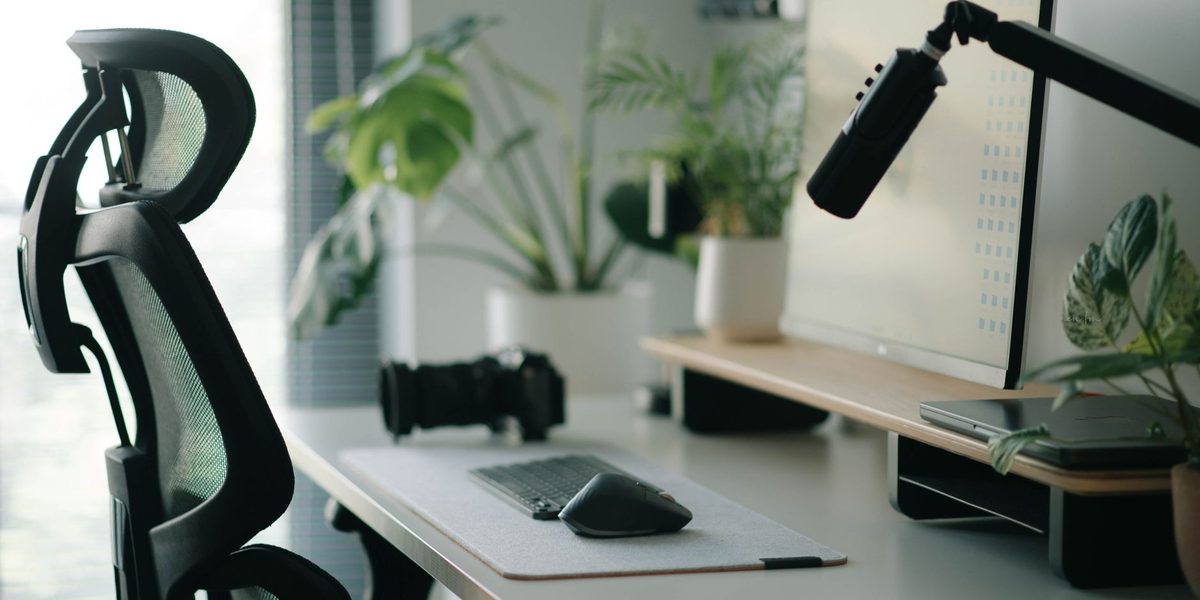
While you are improving how you appear on calls, consider how you sound. A dedicated microphone or a good headset earns its space in any job with regular meetings, because audio quality shapes how competent and present you seem more than video does. A small riser or arm keeps the microphone near your mouth without occupying prime desk area. If your calls matter professionally, these are not indulgences; they are the remote equivalent of showing up in clean clothes.
The Personal Object That Keeps You Sane
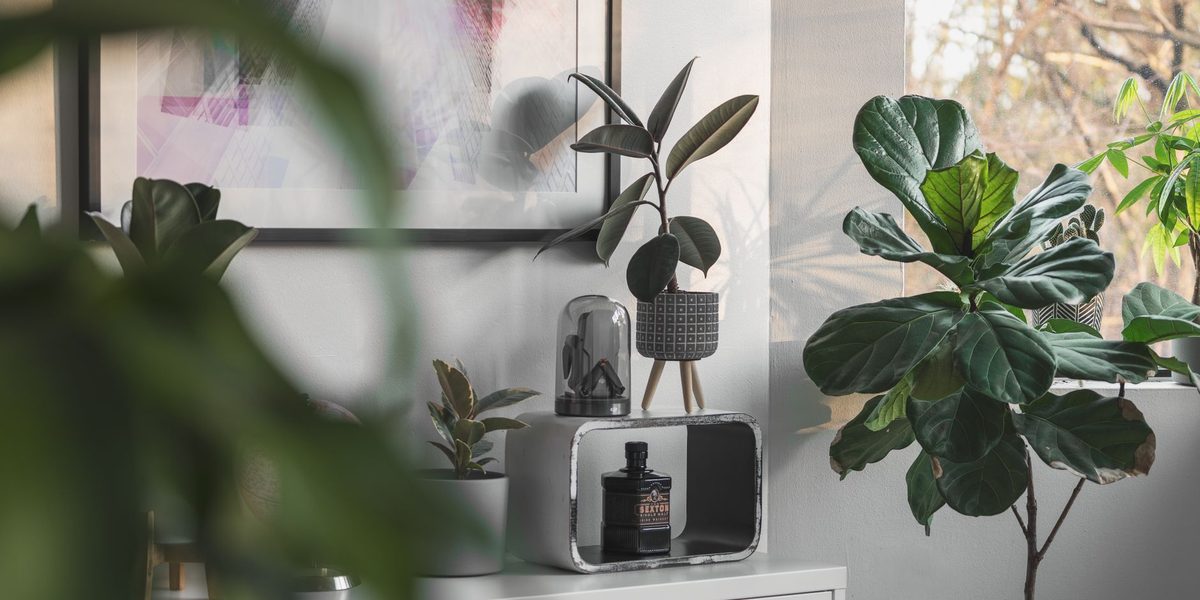
Not everything on a desk needs a productivity justification. One or two personal items, a plant, a photo, a small object you like looking at, make a workspace feel like yours, and that feeling has real value across a long week. A living plant is the classic choice for good reason: it softens a utilitarian setup, gives your eyes an occasional rest from the screen, and asks just enough care to nudge you into a tiny non-work ritual.
The rule is singular, not plural. One meaningful object reads as intentional; six become a shelf of distractions you have to dust. Rotate them if you like variety. The desk should say someone works here on purpose, not someone stores things here.
What Rarely Earns Its Space
Some categories fail the daily-use test so reliably they deserve a warning. Elaborate desktop pen displays, novelty gadgets, and executive toys get touched for a week and dusted for a year. Multi-slot charging stations often outlive the devices they were shaped for. Oversized mouse pads that cover the whole desk look sleek but trap crumbs and curl at the edges. Desk-mounted phone holders frequently just give your biggest distraction a place of honor at eye level; many people focus better when the phone charges across the room instead.
None of these are bad products. They are simply solutions looking for problems most desks do not have. When you feel the pull of a clever accessory, go back to the filter: what recurring friction does this remove? If you cannot name one from your actual last week of work, the item is entertainment, not equipment, and it should be judged that way.
Final Thoughts
A well-equipped desk is not a full desk. The accessories worth owning cluster around a few jobs: supporting your body, hiding what you rarely need, keeping cables and light under control, and making you look and sound good on calls, plus one small object that makes the space yours. Everything else is a candidate for the drawer test. Curate ruthlessly, and what remains will work so smoothly you will stop noticing it, which is precisely what a good desk accessory should do.