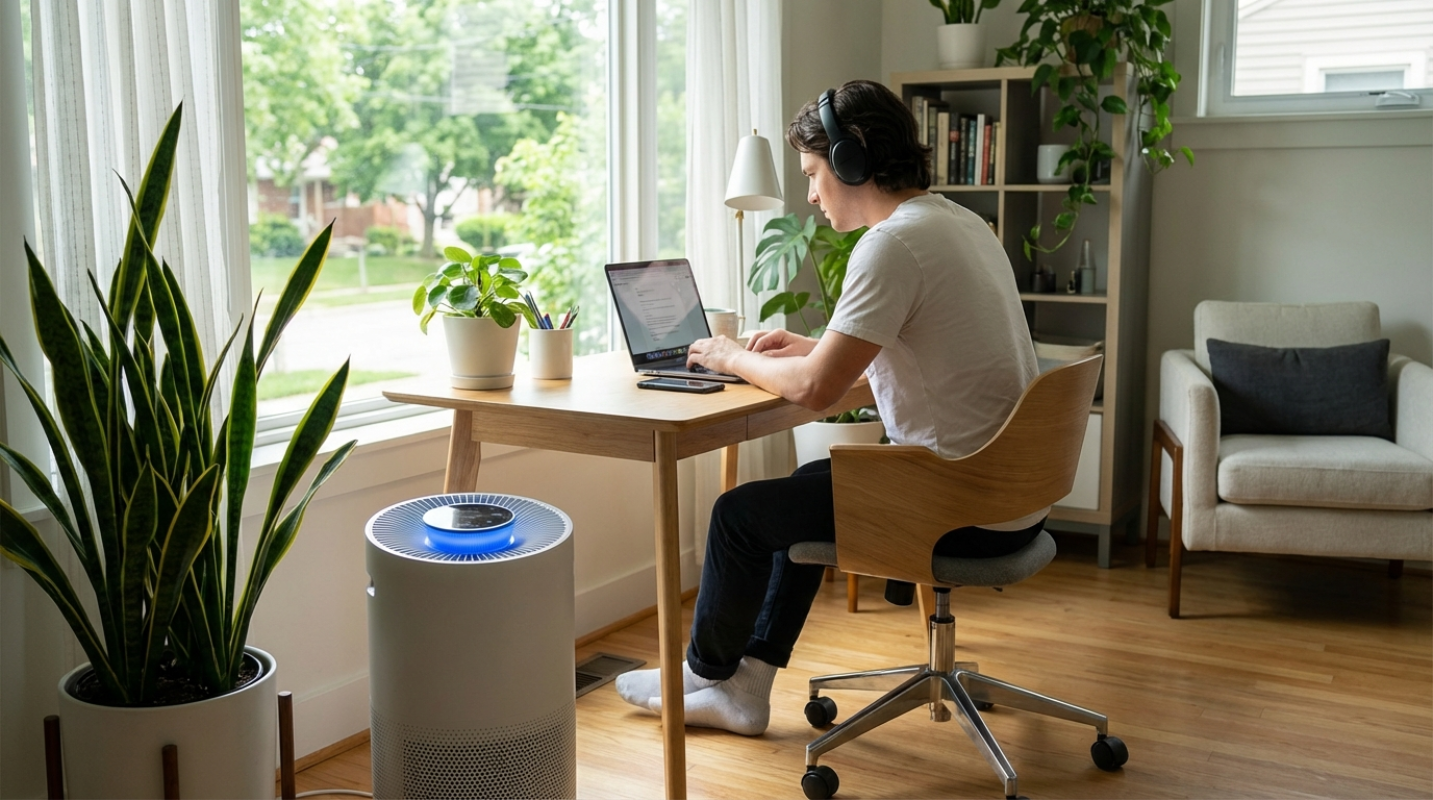
 (Image source: Midjourney)
 Working remotely while raising a family is like trying to conduct an orchestra while riding a unicycle. You have deadlines to meet, emails to answer, and Zoom calls to attend, all while managing school schedules and household chores. Trying to keep everything organized in your head is a recipe for burnout and forgotten tasks. Technology offers a lifeline in the form of productivity tools designed to streamline your chaos. These apps and platforms act as your digital personal assistant, helping you manage your time, block out distractions, and keep your family on the same page. We are going to showcase some of the best apps and services that address the unique challenges of the work-from-home parent. These tools will help you reclaim your focus and bring a sense of calm to your busy life.
Trello
- Organize projects visually using boards, lists, and cards
- Follow the Kanban method: move tasks from "To Do" to "Doing" to "Done"
- Customize boards for work or household projects
- Assign cards to specific family members or team members
- Add due dates, labels, attachments, and checklists to tasks
- Track progress at a glance with drag-and-drop functionality
- Manage family chores, homework, and appointments on a shared board
Visualizing your workload is often the first step to conquering it. Trello uses a system of boards, lists, and cards to help you organize projects in a way that is easy to understand at a glance. It is based on the Kanban method, which is a fancy way of saying it moves tasks from "To Do" to "Doing" to "Done."
Freedom
The internet is a double-edged sword for remote workers. It provides the tools you need to work, but it also offers infinite distractions like social media, news sites, and online shopping. Freedom is an app that allows you to block distracting websites and apps across all your devices simultaneously. Some features include:
- Website blocking: Prevents access to distracting sites during work hours
- App blocking: Stops time-wasting apps from running on your devices
- Scheduled blocks: Set custom times for focus sessions or breaks
- Multi-device support: Syncs across phones, tablets, and computers for consistent protection
Parents often find themselves checking social media during small breaks, only to lose twenty minutes of precious work time. Freedom eliminates that temptation entirely. You can set up scheduled blocks, such as "Deep Work" from 9:00 AM to 11:00 AM, where Instagram and Facebook simply won't load. This tool is also fantastic for managing screen time for kids. You can install it on their devices to make sure they aren't playing games during homework hours. It helps the whole family build healthier digital habits and guarantees that work time stays focused, allowing you to finish earlier and spend more quality time together.
Cozi
Standard calendar apps are great for individuals, but they often lack the features needed to manage a complex household. Cozi is a family organizer app specifically designed to keep everyone's schedules in sync. Some of its most helpful features include:
- Color-coded shared calendar: Easily see each family member’s activities and appointments at a glance.
- Shopping lists: Create and update grocery lists that everyone can access and edit in real time.
- To-do lists: Assign tasks and track progress so nothing falls through the cracks.
- Recipe box: Store favorite recipes and add ingredients directly to your shopping list.
Coordination is key when you are working from home. You need to know when your partner has a conference call so you don't schedule one at the same time, or when the kids have soccer practice. Cozi puts everyone's schedule on one central interface. Each family member gets a designated color, so you can see who needs to be where instantly. The shared shopping list feature is a game-changer. Anyone can add items to the list from their own phone, meaning you never have to text your partner "did we need milk?" again. It centralizes the mental load of running a house, freeing up your brain space for your actual job.
Slack
Slack is widely known as a business communication tool, replacing messy email chains with organized chat channels. Its features make coordination simple:
- Real-time messaging for instant communication
- File sharing for documents, images, and links
- Integration with other work tools like calendars and project management apps
- Customizable channels for organizing conversations by topic or task
- Searchable chat history for easy reference
Treating your family like a small team can surprisingly improve communication. Setting up a free Slack workspace for your household keeps family logistics separate from your work emails and text messages. You can create different channels for different topics, like #groceries, #dinner-ideas, or #weekend-plans. This keeps important information from getting buried in a generic group text. It is also a great way to communicate with older kids who have their own devices. Sending a quick message in the #chores channel is often more effective than shouting up the stairs. It adds a layer of fun and organization to family communication that feels modern and efficient.
Brain.fm
Noise is the enemy of concentration, especially in a busy house. Brain.fm takes a different approach than standard white noise machines. It uses AI-generated music specifically designed to guide your brain into a state of deep focus. Some features include:
- AI-generated music tailored for focus, relaxation, and sleep
- Background soundscapes that blend seamlessly and avoid distraction
- Scientifically engineered audio to stimulate concentration and productivity
- Multiple modes for different needs, including deep work and winding down
Standard music can sometimes be distracting, especially if it has lyrics. Brain.fm's audio tracks are scientifically engineered to blend into the background and stimulate the brain waves associated with concentration. This is incredibly helpful when you are trying to work at the kitchen table while the kids are playing in the next room. It acts as a sonic shield, helping you tune out the chaos and zone into your tasks. They also offer modes for relaxation and sleep, which can be useful for winding down the kids at bedtime. Putting on the "sleep" mode becomes a cue for the whole house that the day is done.
1Password
Remote work means managing dozens of logins for different software platforms, and family life adds school portals, streaming services, and bank accounts to the mix. 1Password is a secure vault that stores all your passwords and sensitive information behind one master password. Some quality features:
- Secure storage for passwords, credit cards, and sensitive notes
- Strong password generation to boost security
- Family sharing options with separate and shared vaults
- Private vaults to keep work and personal information separate
- Easy access across devices with auto-fill support
- Digital Emergency Kit for account recovery and safe sharing
Security is important, but convenience is usually the priority for busy parents. 1Password allows you to create unique, strong passwords for every site without having to remember them. The "Family" plan lets you share vaults with your partner or kids. You can have a shared vault for the Netflix password, the Wi-Fi code, and the insurance login, while keeping your work passwords private in your personal vault. This eliminates the frantic search for a login on a sticky note and ensures that your family's digital identity remains secure. It simplifies access for everyone while maintaining high security standards.