 (Image source: Gemini)
 Working from home sounds like a dream until your back starts aching at 2 PM. Most of us didn't realize that our dining room chairs were actually torture devices until we spent eight hours straight sitting in them. Your body wasn't designed to stay frozen in one position all day, especially not on furniture meant for quick meals. The right setup changes everything about how you feel when you clock out. We are going to explore specific furniture pieces that actually support your spine and keep you focused. Let's fix your workspace by getting these ergonomic furniture pieces before your posture suffers any permanent damage.
Choosing the Right Chair
Your chair is the most critical piece of the puzzle. You spend more time in it than you do in your car or on your couch. A standard kitchen chair offers zero lumbar support, which is crucial for the lower curve of your back.
When shopping for a chair, look for adjustability above all else. You need to change the seat height so your feet rest flat on the floor, keeping your knees at a 90-degree angle. Armrests should be adjustable too, allowing your shoulders to relax without hiking up toward your ears. A reclining feature is also helpful because leaning back slightly takes pressure off your spinal discs.
The Herman Miller Aeron is practically legendary in the office world. It is an investment, but it comes with a 12-year warranty, meaning you won't need to buy another chair for over a decade.
- Breathable Mesh: It uses a specialized mesh material instead of foam. This keeps you cool by allowing air to circulate, preventing heat buildup during long work sessions.
- Kinematic Tilt: The chair moves with you, providing support whether you lean forward to type or recline to think.
- Size Variety: It comes in three sizes (A, B, and C) to fit different body types perfectly, ensuring the lumbar support hits the right spot.
Not everyone wants to spend a fortune on a chair. The HON Ignition 2.0 proves you don't need to break the bank to save your back.
- Adjustable Lumbar Support: The backrest moves up and down to fit the curve of your spine.
- Seat Glide: The seat cushion moves forward and backward. This is a crucial feature for people with longer or shorter legs to ensure proper circulation.
- Breathable Back: Like the Aeron, it features a mesh back to keep you cool and comfortable.
Adjustable Standing Desks
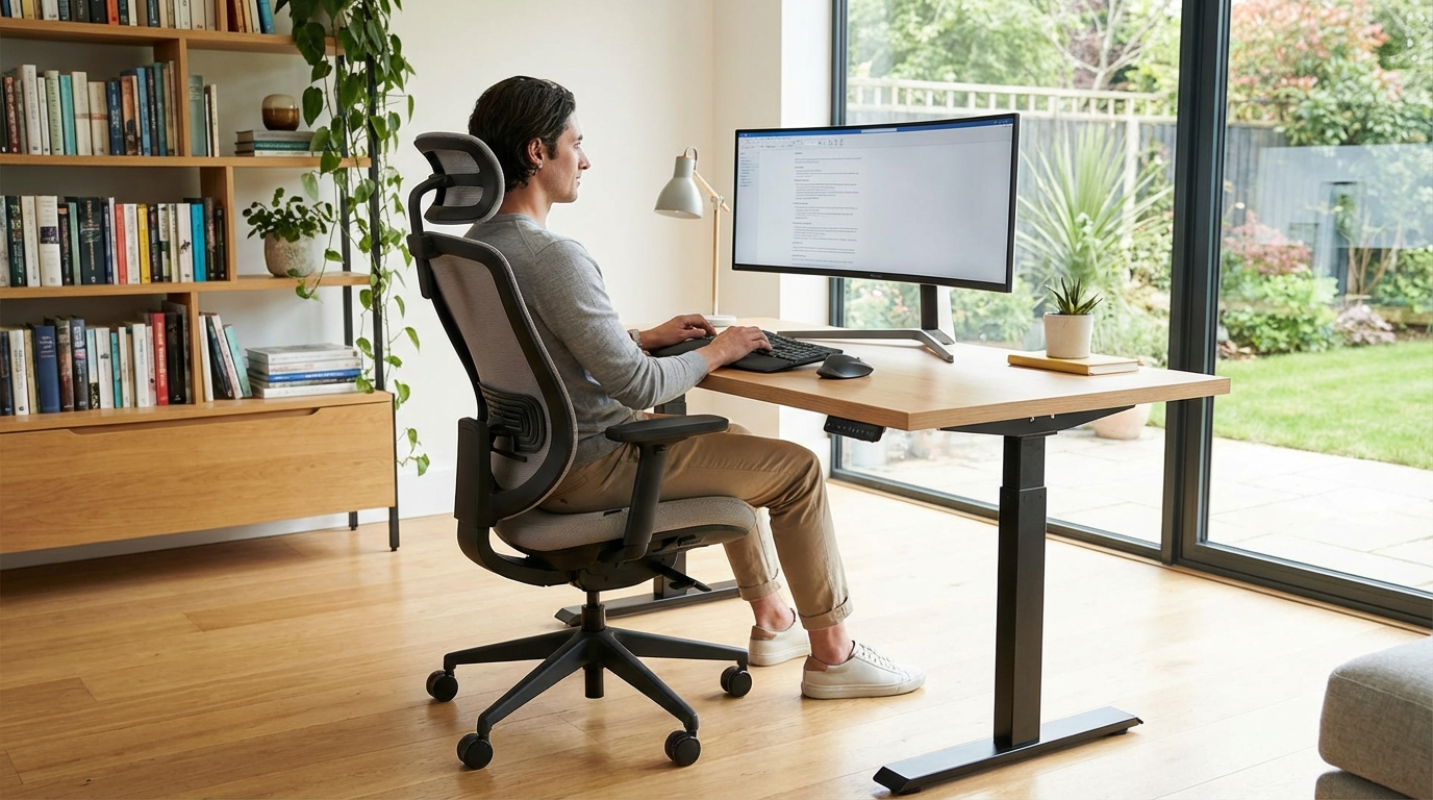
Sitting all day is tough on your circulation. Standing desks solve this by letting you switch positions effortlessly. The goal isn't to stand all day, which can hurt your feet, but to alternate between sitting and standing every hour or so.
Most modern standing desks use electric motors. You press a button, and the desk glides up or down. Manual crank desks exist, but they can be annoying to use, which means you probably won't adjust them as often. Look for a desk with memory presets so you don't have to fiddle with the controls every time.
The Uplift V2 stands out because of its stability. Many standing desks wobble when raised to their highest setting, which makes typing frustrating.
- Stability Brace: Uplift uses a stability brace and high-quality motors to keep everything steady, even at maximum height.
- Customization: The desktop options are endless, ranging from bamboo to solid wood to match your home decor.
- Accessory Ecosystem: It has plenty of mounting points for accessories like cable management trays, keeping your wires from becoming a tangled mess.
If you are tight on space, the Fully Jarvis is a fantastic option. It provides the same ergonomic benefits as larger desks without dominating the room.
- Small Footprint: You can get smaller desktop sizes that fit perfectly into apartment corners or small bedrooms.
- Heavy Lifting Capacity: Despite its size, the frame is robust and operates smoothly.
- Aesthetics: The frame comes in several colors, allowing it to blend seamlessly into your living space.
Monitor Arms and Laptop Stands
Your screen position dictates your head position. Your monitor should be at arm's length, with the top of the screen at or slightly below eye level. Looking down at a laptop screen creates "tech neck," placing massive strain on your cervical spine.
Laptops are terrible for ergonomics because the keyboard and screen are connected. If the screen is at the right height, the keyboard is too high. If the keyboard is comfortable, you are looking down. You need to separate them. Use an external keyboard and mouse, then raise your laptop or monitor.
Ergotron makes the gold standard for monitor arms. The LX model clamps onto the back of your desk and lets you float your screen exactly where you need it.
- Full Motion: You can push the screen away when you need desk space or pull it close for detailed work.
- Heavy Duty: It holds heavy monitors without sagging and adjusts with a light touch.
- Space Saver: By lifting the monitor off the desk surface, you clear up valuable real estate for documents or notebooks.
For laptop users who don't use an external monitor, the Rain Design mStand is elegant and effective. Just remember to pair it with an external keyboard and mouse.
- Effective Height: It raises your laptop screen by about six inches, instantly improving your neck posture.
- Cooling Design: It is a single piece of aluminum that acts as a heat sink to keep your computer cool.
- Sturdy Build: It is stable and looks like it belongs in an Apple store, matching the aesthetic of modern laptops.
Keyboard Trays
Most desks are too high for typing. Standard desk height is about 29-30 inches, but for typing, most people need a surface that is 25-27 inches high. Typing on a surface that is too high forces you to shrug your shoulders and flex your wrists upward.
A good keyboard tray allows for negative tilt. This means the back of the keyboard is lower than the front. It sounds weird, but it keeps your wrists straight and follows the natural angle of your arms as they hang by your sides.
Humanscale makes keyboard trays that are incredibly easy to adjust, helping you maintain a neutral wrist position and drastically reducing the risk of repetitive strain injuries.
- One-Handed Adjustment: The 6G mechanism allows you to change the height and angle with one hand—no knobs or levers required.
- Negative Tilt: It easily locks into a negative tilt position for optimal typing ergonomics.
- Stowable: The entire tray slides completely under the desk when not in use, keeping your workspace clean.
Grounding Your Posture
Your feet need to be firmly planted to support your lower back. Shorter people often find their feet dangling when their chair is raised to reach the desk. This cuts off circulation under the thighs and causes you to slouch.
A footrest should be adjustable and have a non-slip surface. Some models rock back and forth, which encourages small movements in your ankles and calves. This keeps blood flowing and prevents stiffness in your legs.
The Kensington SmartFit system lets you color-code your comfort level to find the perfect height.
- Adjustable Angle: The Solemate Plus model tilts to different angles to suit your sitting position.
- Texture: It features a textured surface that feels good if you like working without shoes.
- Durability: It is durable and stays put on the floor, giving you the solid base you need for long work sessions.
Reducing Eye Strain
Lighting is part of furniture and environmental design, too. Poor lighting causes you to squint and lean forward, ruining your posture. You need a mix of ambient light and task lighting to ensure you can see your notes without straining your eyes.
The BenQ ScreenBar is unique because it sits on top of your monitor, illuminating your desk space without creating glare on your screen.
- Zero Glare: The asymmetrical optical design ensures light hits your desk, not your screen.
- Auto-Dimming: It has built-in sensors to adjust brightness automatically based on the room's ambient light.
- Space Saving: Since it mounts on the monitor, it takes up zero desk space.