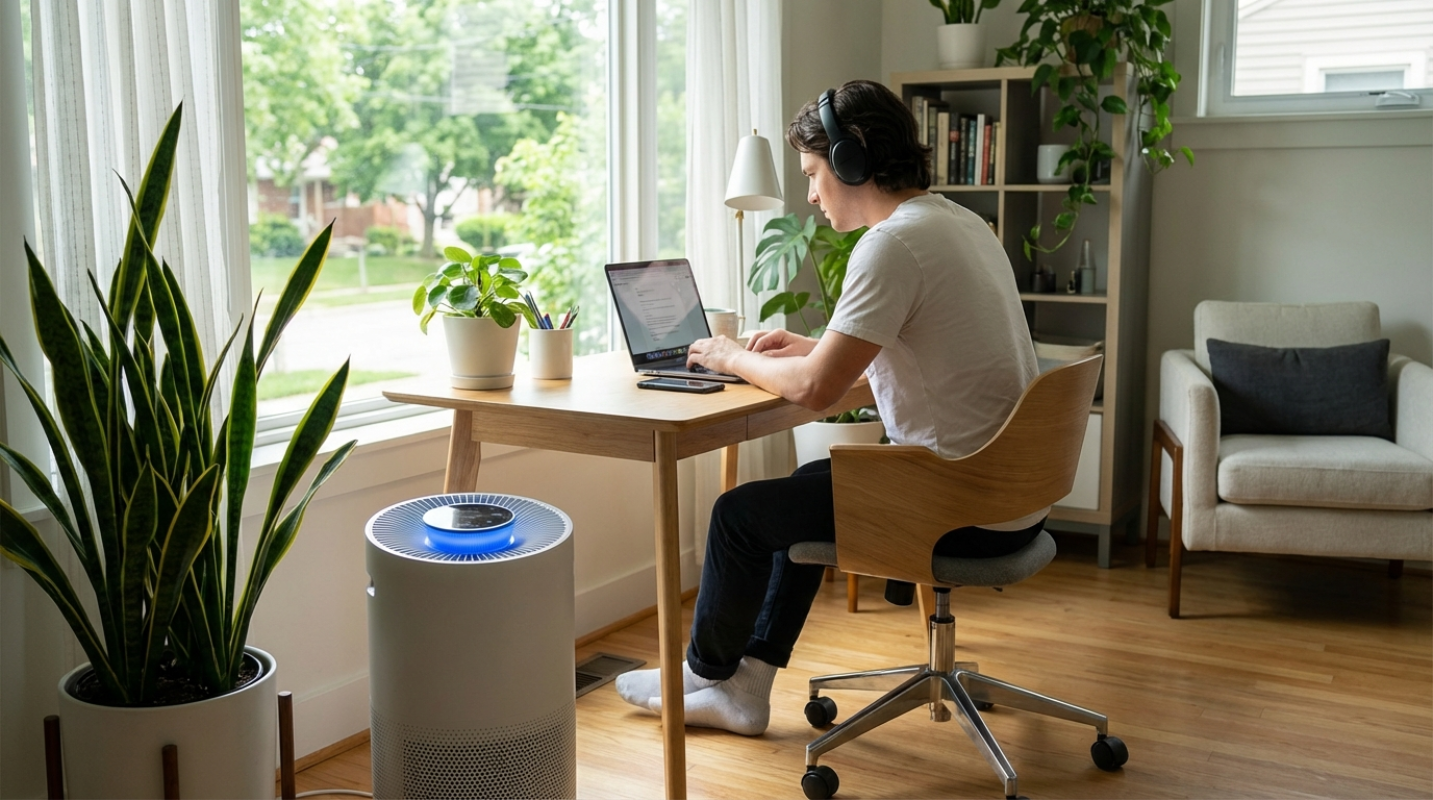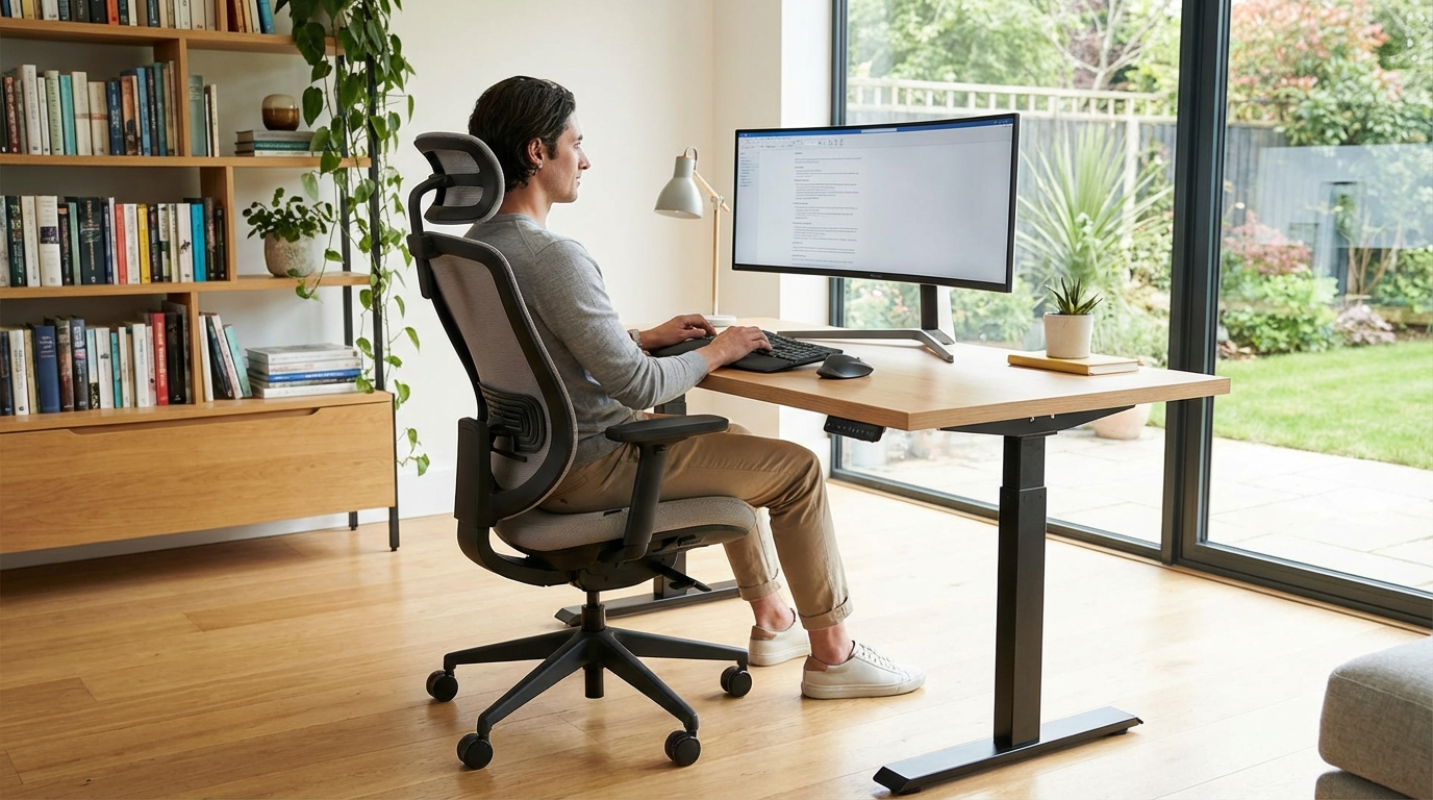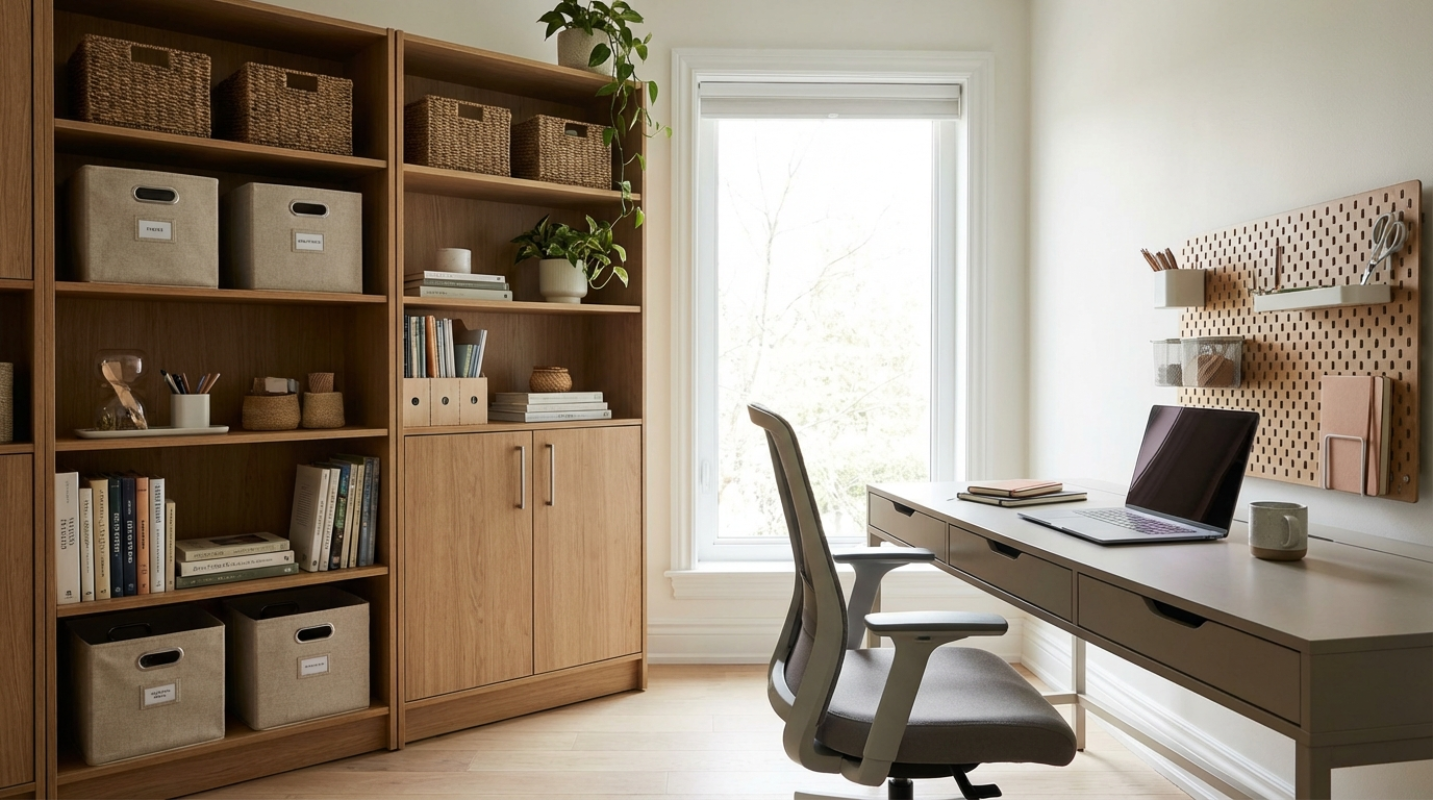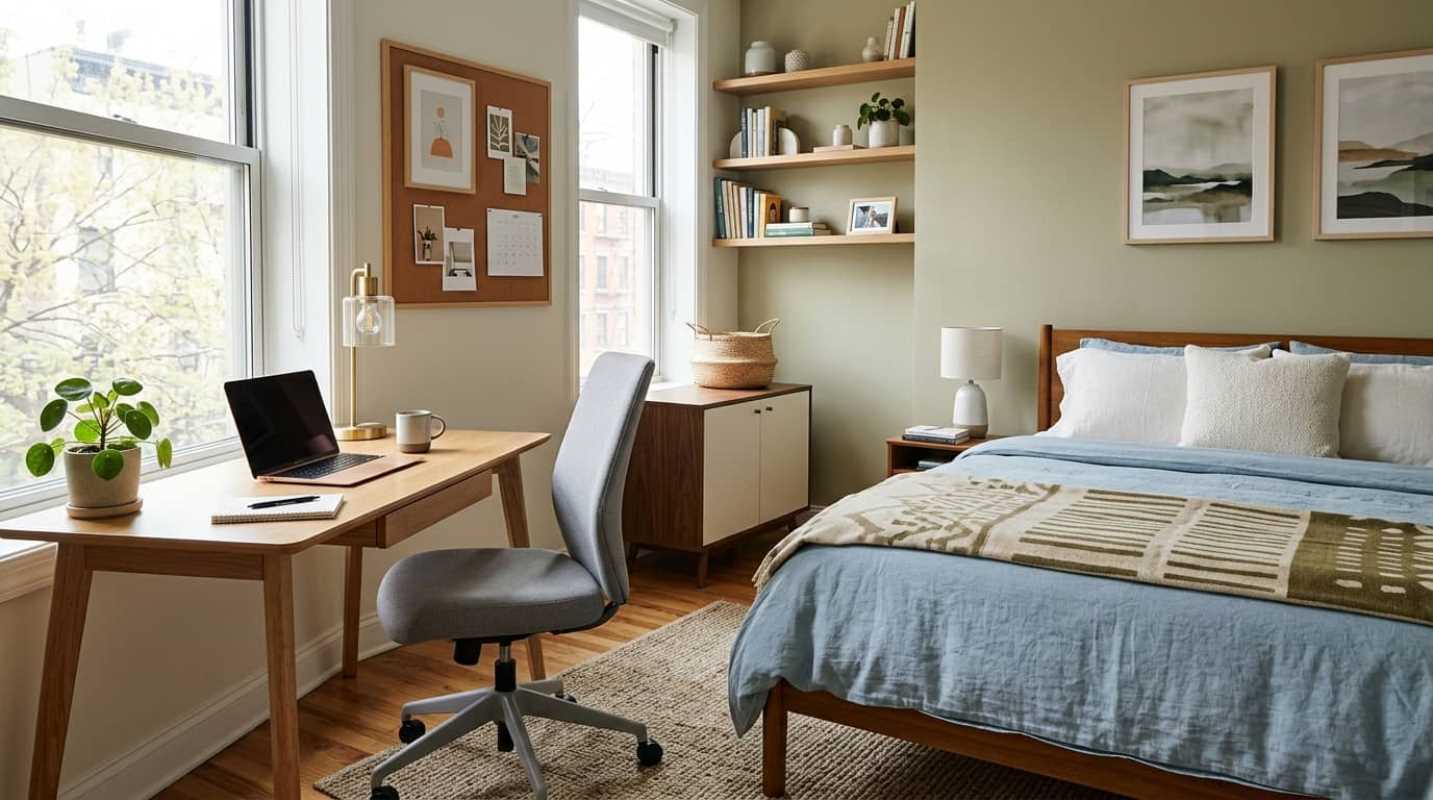
Have you ever sat at your desk, ready to tackle a major project, only to find your eyes drifting to the stack of dirty coffee cups nearby? Or maybe you went to grab a glass of water and ended up scrubbing the kitchen counter instead. You're not alone. Working from home is the standard for millions of us. In fact, an estimated 32.6 million Americans work remotely.¹ On top of that, about 75% of people in telework-capable jobs work from home at least some of the time.²
It's a great setup, but it comes with a dirty secret. Our homes get incredibly messy when we live and work in them all day. The kitchen doubles as a breakroom, the bathroom gets constant use, and trash piles up twice as fast.
Although up to 64% of remote workers say they're more productive at home, the constant presence of visual clutter acts as a silent tax on our focus.⁴ A clean environment is not just about making your space look nice. It's a direct way to boost your mental clarity and keep your work day on track.
The Modern Home Office Reality
When you work in an office, the mess is someone else's problem. When you work from home, every crumb, dusty shelf, and unwashed dish is staring you right in the face while you're trying to meet a deadline.
This creates a constant pull between your professional responsibilities and your domestic chores. You feel guilty for ignoring the laundry, but you feel guilty for cleaning when you should be working.
The key to breaking this cycle is changing how you think about cleaning. You don't need to block out hours of your day for a massive deep-clean. Instead, you can integrate small, low-effort habits into your existing workday to keep the mess from building up in the first place.
Mastering the Art of Micro-Tidying
Why does a messy room make it so hard to think? It turns out your brain is physically reacting to the mess.
A study from the Princeton University Neuroscience Institute, led by Dr. Sabine Kastner, used fMRI scans to show that visual clutter actively competes for your brain's attention.⁵ The brain struggles to filter out the background noise of a messy room, which exhausts your cognitive functions. A Yale University study backed this up, showing that physical clutter impairs your ability to filter out irrelevant details, leading to mental overload.
So how do you fight back without spending your entire weekend deep-cleaning? You master the art of micro-tidying.
The most effective tool for this is the Clear to Neutral reset. This method involves spending just 90 seconds at the end of every single workday to reset your desk. You close your browser tabs, put away loose papers, take your coffee cups to the kitchen, and wipe down the desk surface.
When you sit down the next morning, you don't face yesterday's mess. You face a clean slate, which completely removes the morning friction of getting to work.
You can also use the One-Minute Rule to keep clutter from building up during the day. If a task takes less than 60 seconds, do it immediately. Put the empty glass in the dishwasher, toss the junk mail, or hang up your jacket.
Finally, try a 10-Minute Reset immediately after you log off for the day. Set a timer, put on a quick song, and rapidly tidy high-traffic areas like the living room or kitchen. It's amazing how much you can clean when you're racing against the clock.
Building a Sustainable Daily Cleaning Routine
Trying to clean your entire house during your lunch break is a recipe for burnout. Instead, you need a daily routine that fits naturally around your meetings.
This is where microshifting comes in. A large majority of remote workers use this approach of working in short, flexible blocks. You can use your brief screen breaks to tackle quick, physical chores.
These active breaks are double wins. They get you moving, which reduces the physical strain of sitting all day, and they keep your house clean.
Here are a few ways to build micro-tasks into your daily flow:
• The Laundry Swap: Throw a load of laundry into the washing machine during your morning coffee break.
• The Dishwasher Empty: Empty the clean dishes while you wait for your lunch to heat up in the microwave.
• The Mail Sort: Grab the mail and sort it directly over the recycling bin during an afternoon stretch break.
To keep the bigger chores under control, try day-theming. Instead of spending your Saturday cleaning everything, assign one room or task to each day of the week:
• Monday: Clean the bathrooms.
• Tuesday: Do the dusting and laundry.
• Wednesday: Give the kitchen counters a deep wipe.
• Thursday: Vacuum and mop the floors.
• Friday: Clean your desk and declutter your digital files.
This limits your daily cleaning to just 20 or 30 minutes, keeping your home consistently clean without taking over your free time.
Zone Defense: Separating Work from Living Spaces
One of the biggest challenges of remote work is clutter migration. This happens when your work tools, notebooks, chargers, and sticky notes start taking over your kitchen table or living room couch.
Keeping your work equipment physically contained matters for your mental health. When your workspace is mixed with your living space, your brain never truly feels like it's off the clock.
If you don't have a dedicated office room, use a basket or a rolling cart to pack your work gear away at the end of the day. Moving your laptop and papers out of sight acts as a physical boundary, letting your brain transition into relaxation mode.
But physical clutter is only half the battle. Digital clutter is just as draining.
Data shows that the average knowledge worker spends 20% of their workweek just searching for information because of disorganized digital files. Many professionals also suffer from notification anxiety caused by digital clutter.
To fix this, use the OHIO rule, which stands for Only Handle It Once. When you open an email or download a file, decide what to do with it immediately. Delete it, archive it, or file it.
Don't let files sit on your desktop. Spend five minutes every Friday afternoon emptying your downloads folder and closing out old tabs so you can start the next week with a fresh digital workspace.
Top Recommendations for a Cleaner Workspace
Keeping your home clean while working full-time can feel like a second job. Fortunately, you don't have to do it all yourself.
Using smart home technology is one of the easiest ways to save energy. Robot vacuums can vacuum and mop your floors while you're focused on your meetings. They run quietly in the background, keeping your floors clean with zero effort on your part.
If your budget allows, outsourcing is another fantastic option. Many remote workers now hire a biweekly recurring cleaning service.
This establishes a clean baseline for your home. You can easily coordinate with professional cleaners to work around your meeting schedule, having them focus on quiet areas or empty rooms while you're on important calls.
Small Habits for Long-Term Peace
At the end of the day, keeping your home clean while working from it is all about creating a space that supports your focus and protects your peace of mind.
Remember that organized spaces lower stress hormones by 27%.³ By adopting small habits like the 90-second desk reset or using your screen breaks for quick physical tasks, you can maintain a clean home without burning out.
Don't feel like you have to implement every approach at once. Pick just one habit to start with today.
Clear your desk before you log off tonight, or set a timer for a quick ten-minute tidy. You'll be amazed at how much lighter you feel when you sit down to work tomorrow morning.
Sources:
1. The State of Remote Work 2025 Statistics
https://us.neat.no/resources/the-state-of-remote-work-2025-statistics/
2. Remote Work Statistics
https://high5test.com/remote-work-statistics/
3. Work From Home House Cleaning
https://gracefulcleaningkc.com/work-from-home-house-cleaning/
4. Working From Home and Productivity Insights
https://ritzherald.com/working-from-home-and-productivity-insights-from-the-2025-remote-work-study/
5. Visual Clutter Affects Productivity
https://malife.app/blog/visual-clutter-affects-productivity